Best Website Builder for SEO in 2026: A Practical Guide for Orange County Businesses
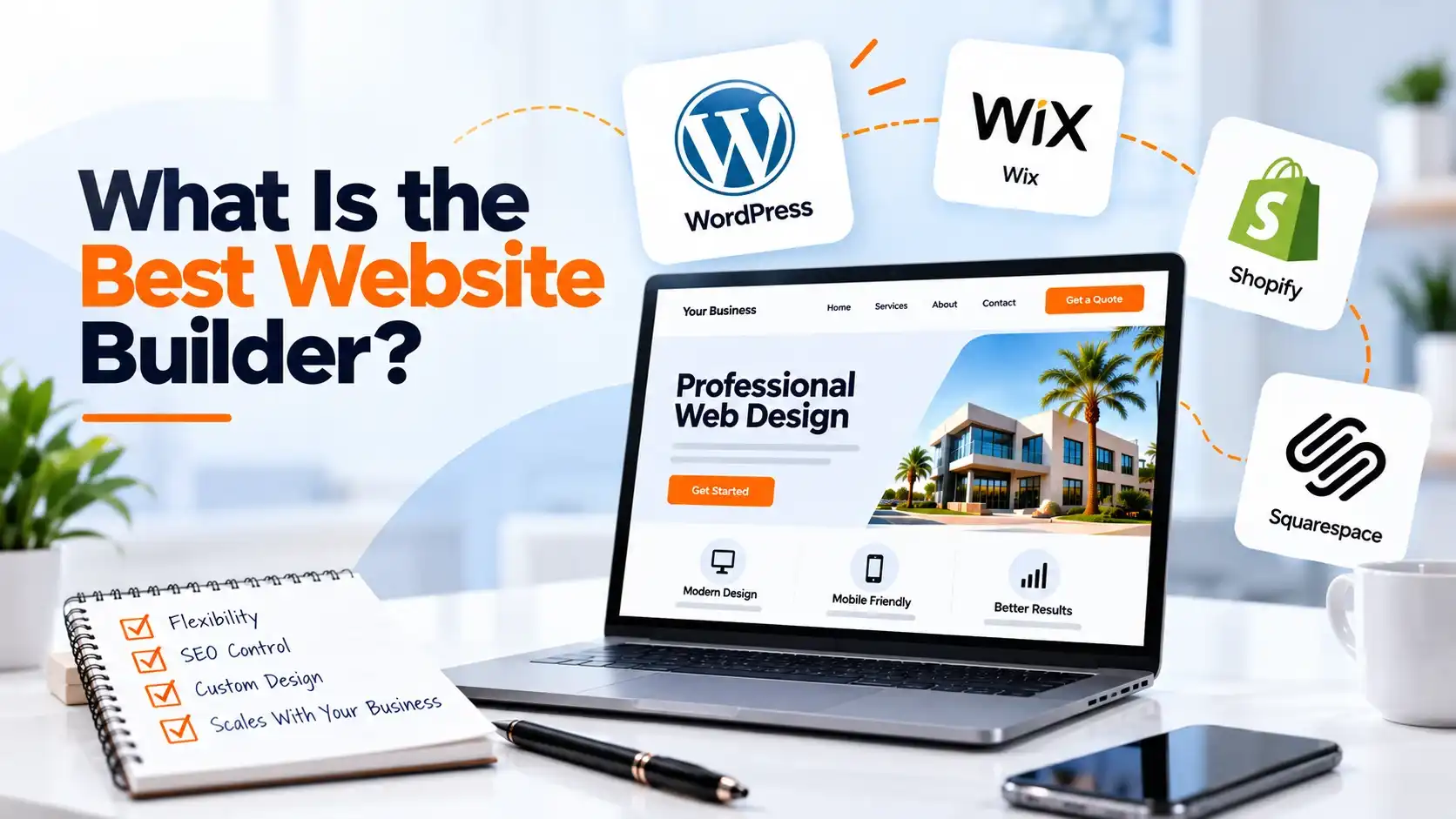
WordPress is the best website builder for SEO if you want full control over technical settings and don’t mind a small learning curve. If you’re asking which no-code website builder is best for SEO, Wix and Squarespace both handle the fundamentals well without any coding at all. If you’re selling products online, Shopify is the strongest choice for e-commerce SEO. There isn’t one single “best” platform for every business. The right pick for SEO success depends on how much control you want, how technical you are, and what kind of site you’re building.
If you run a local business in Orange County, whether that’s a med spa in Newport Beach, a law firm in Irvine, or a restaurant in Costa Mesa, your website builder affects how easily you can show up in local search results and Google Maps. This guide breaks down what actually matters for SEO, compares the main platforms in detail, and walks through how to choose the right one for your situation.
Why Your Website Builder Choice Matters for SEO
Your website builder decides how much control you have over the technical side of search engine optimization. Some platforms let you edit everything from page titles to how images load. Others lock you into a simpler system that handles most of it automatically but limits customization.
That said, the platform is only part of the picture. A website builder with excellent SEO tools won’t help you rank if your content doesn’t answer what people are actually searching for. Good content, clear page structure, and a fast-loading site matter more than which logo appears in your dashboard.
Here’s what a website builder needs to support for SEO to work well:
- Editable page titles and meta descriptions
- Custom, readable URLs (like /orange-county-plumber instead of /page-id-4471)
- Automatic sitemap generation
- 301 redirects, so old links don’t break when you update your site
- Mobile-friendly, responsive templates
- Fast page loading speeds
- Schema markup (code that helps Google understand what your page is about, like your business hours or product prices)
- Some level of control over robots.txt, the file that tells search engines which pages to crawl
- Canonical tag support, which tells search engines which version of a page to treat as the main one when similar pages exist
None of these features guarantee rankings on their own. They simply remove technical barriers that could otherwise hold a good page back.
WordPress: Best for Full SEO Control
WordPress.org is self-hosted, meaning you own your files and can edit almost anything under the hood. This is why most SEO professionals still recommend it, and why it remains one of the most common recommendations in SEO communities and forums.
What Makes WordPress Strong for SEO
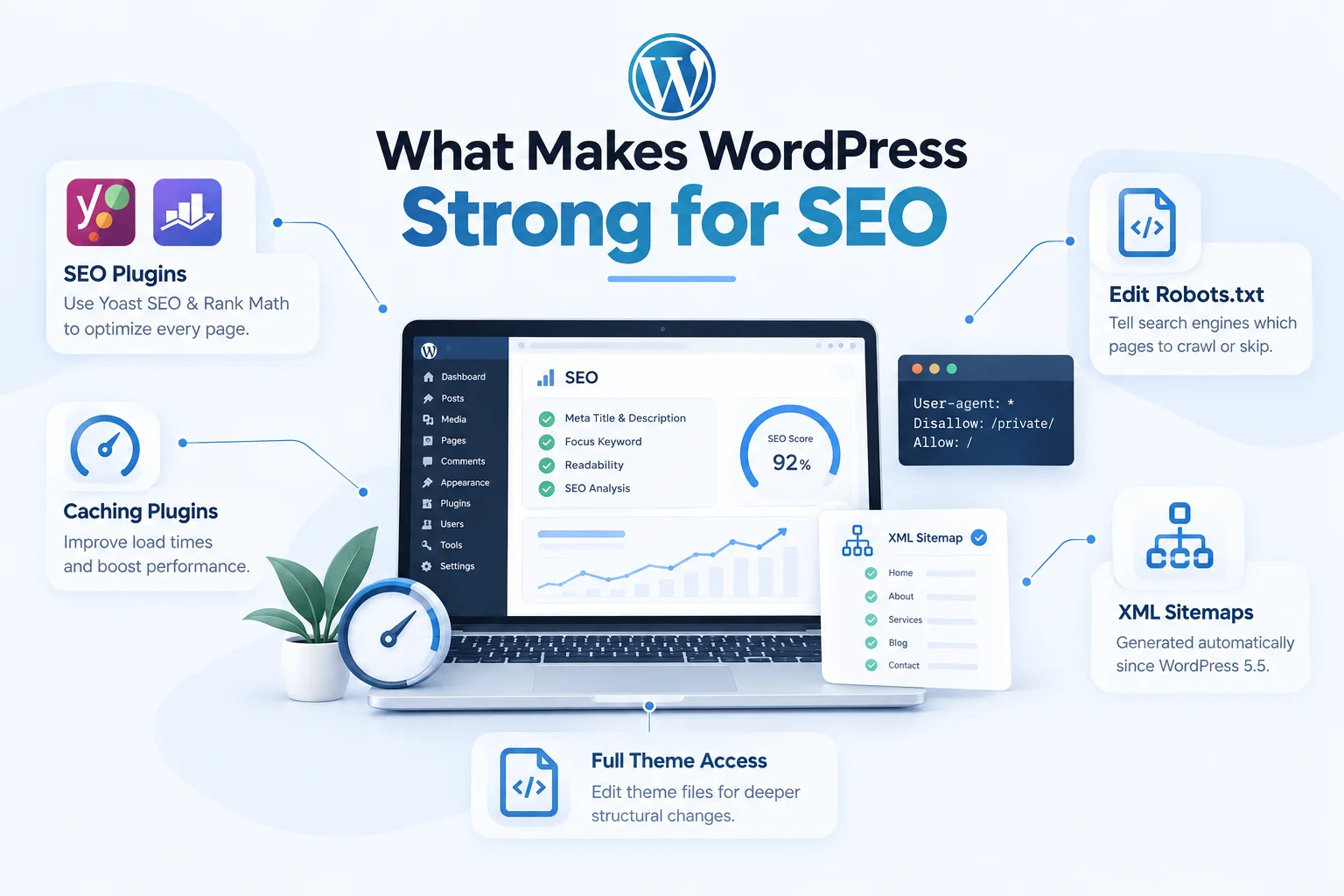
With WordPress, you get access to plugins like Yoast SEO and Rank Math that walk you through optimizing each page, and you can install caching plugins to speed up load times. You can also edit your robots.txt file, which tells search engines which pages to crawl and which to skip, something many hosted builders don’t allow. WordPress also generates XML sitemaps automatically as of version 5.5, and you get full access to theme files if you want to make deeper structural changes.
Where WordPress Falls Short
WordPress doesn’t come with hosting built in. You’ll need to sign up with a hosting provider, and you’re responsible for keeping plugins and themes updated. If a plugin breaks or conflicts with another, you may need help fixing it. There’s also no native schema markup support in core WordPress, so you’ll need a plugin or some custom code to add structured data.
WordPress Pros and Cons
Managed WordPress Hosting
Managed WordPress hosting is worth considering if you want the flexibility of WordPress without handling server maintenance yourself. These plans typically include automatic updates, backups, and built-in caching, for a monthly fee on top of standard hosting.
Who Should Use WordPress
Business owners who want long-term flexibility and don’t mind a bit of setup work, or who plan to hire a developer occasionally for updates and troubleshooting.
Wix: Best No-Code Website Builder for SEO
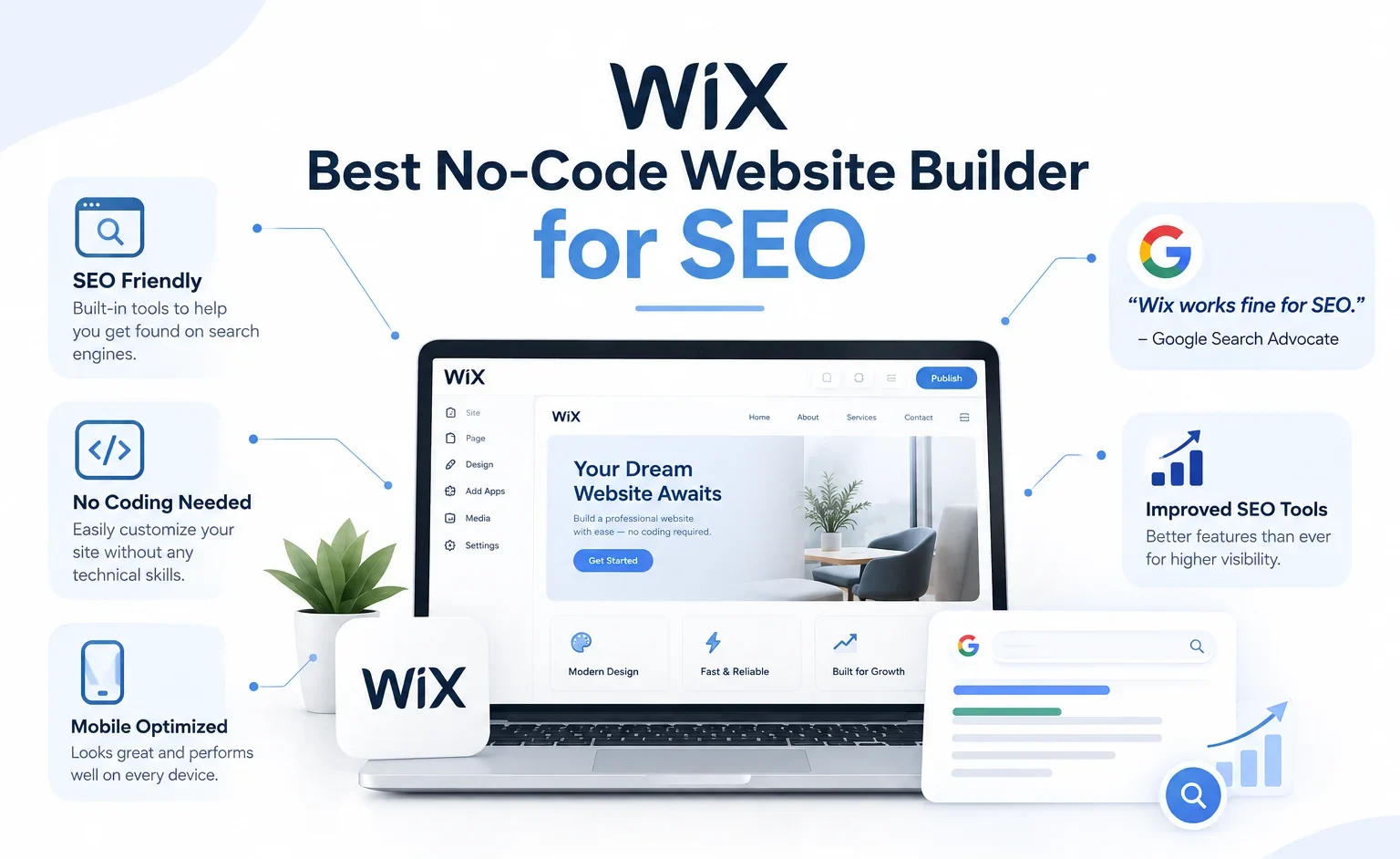
If you’re specifically looking for the best no-code website builder for SEO, Wix is usually the top recommendation. It has improved substantially in recent years, to the point where Google’s own Search Advocate has publicly said the platform works fine for SEO.
What Makes Wix Strong for SEO
Wix includes an SEO Setup Checklist that walks you through the basics step by step, and it automatically submits your sitemap to Google Search Console once connected, something most other hosted builders don’t do for you. It also automatically adds schema markup to products, blog posts, and local business pages, which helps your listing show up with extra details in search results. You also get a separate mobile editor, so you can adjust how your site looks and behaves on phones independently from the desktop version. Wix also lets you customize canonical tags per page and edit your robots.txt file directly, both of which used to be limited to more technical platforms.
Where Wix Falls Short
Wix caps sites at 100 static pages. If you’re planning to create dozens of location-specific pages, you may hit that ceiling faster than expected. This mostly affects businesses trying to scale content aggressively across many locations or keyword variations, not a typical single-location small business.
Wix Pros and Cons
Who Should Use Wix
Local service businesses, restaurants, and small retailers who want an easy, no-code setup with solid SEO basics built in and don’t need hundreds of pages.
Squarespace: Best for Design-Focused Service Businesses
Squarespace is known for clean templates that load fast and look professional without much tweaking.
What Makes Squarespace Strong for SEO
Its SEO panel lets you edit meta titles and descriptions, and it automatically generates a sitemap and clean, indexable URLs. The backend code tends to be lighter than some competitors, which contributes to decent load times out of the box.
Where Squarespace Falls Short
Squarespace offers less technical control than WordPress. You can’t access theme files directly, and there’s no built-in site audit tool, only traffic and keyword reporting. You also won’t find the same depth of plugin ecosystem that WordPress offers.
Squarespace Pros and Cons
Who Should Use Squarespace
Coaches, consultants, salons, and other service-based businesses where visual presentation matters as much as SEO functionality.
Shopify: Best for Online Stores
If you’re selling products, Shopify is worth a serious look.
What Makes Shopify Strong for SEO
It automatically generates canonical tags to avoid duplicate content issues between similar product pages, and it adds structured data to products by default, which can help your listings show up with star ratings, prices, and stock status in search results. Shopify also supports significantly more product variants than most builders, and its point-of-sale system is available in nearly every country if you plan to sell in person as well as online.
Where Shopify Falls Short
Shopify’s blogging and content tools are fairly basic compared to WordPress. If your SEO strategy relies heavily on publishing articles or guides, you may find it limiting. There’s also no built-in site audit tool, so you’ll want to rely on Google Search Console or a third-party app for ongoing SEO monitoring.
Shopify Pros and Cons
Who Should Use Shopify
Orange County businesses selling physical products online, from boutique retailers to specialty food brands and larger catalogs that need to scale.
GoDaddy: Fast but Limited
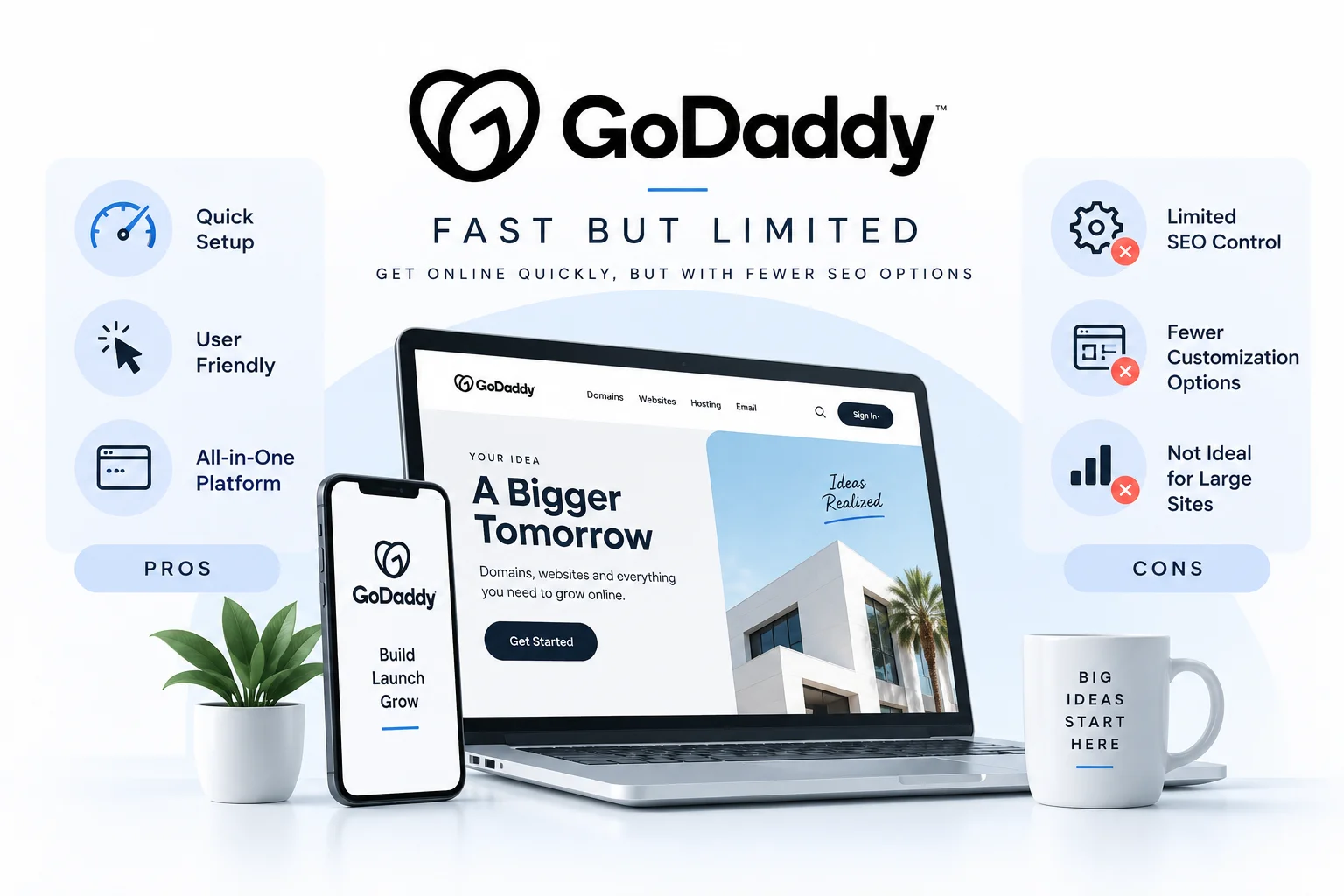
GoDaddy is fast to set up and includes an SEO Wizard that asks a few simple questions and handles the basics for you.
What Makes GoDaddy Strong for SEO
The SEO Wizard walks non-technical users through the basics quickly, making it easy to get a site online with at least some SEO groundwork in place.
Where GoDaddy Falls Short
Most of its SEO features are locked behind paid add-ons, and several reviewers have noted that its mobile responsiveness can be inconsistent depending on the template. There’s also no mobile app for editing pages on the go.
GoDaddy Pros and Cons
Who Should Use GoDaddy
Business owners who need a basic site online quickly and don’t have strong SEO ambitions.
Hostinger: A Budget Option Worth Considering
Hostinger’s website builder is one of the cheapest options on this list.
What Makes Hostinger Strong for SEO
It includes a dedicated SEO section for editing meta titles, descriptions, and page visibility. It also offers built-in AI writing tools that can help draft meta descriptions and basic page copy, which can save time if you’re building a site solo.
Where Hostinger Falls Short
It doesn’t have the plugin ecosystem or advanced schema controls of WordPress, and it’s not built for large or complex sites.
GoDaddy Pros and Cons
Who Should Use Hostinger
Solo entrepreneurs and very small businesses who want a working, SEO-covered site without a large monthly cost.
Webflow: For Design-Forward Brands With Development Support
Webflow sits between hosted builders and fully custom code.
What Makes Webflow Strong for SEO
It produces clean, efficient code and gives you full control over technical SEO settings like title tags, meta descriptions, and canonical tags, while still offering a visual editor.
Where Webflow Falls Short
The learning curve is steeper than Wix or Squarespace, and most businesses that use it well are either working with a designer who knows the platform or have some development background themselves.
Webflow Pros and Cons
Who Should Use Webflow
Startups, agencies, and brands that want a highly custom look without sacrificing SEO control, and who have design or development resources available.
Which No-Code Website Builder Is Best for SEO?
Top No-Code Options
If coding is off the table entirely, your best options are Wix, Squarespace, and Shopify (for stores), since all three let you manage titles, descriptions, URLs, and sitemaps through a visual dashboard.
Wix vs. Squarespace for No-Code SEO
Wix currently offers the most built-in automation, including automatic schema markup and direct sitemap submission to Google Search Console. Squarespace is a close second if design quality matters as much as SEO to you, and it’s a common pick for service businesses that want a more polished look without extra plugins.
Where WordPress Fits In
WordPress can technically be managed without writing code too, using plugins like Yoast, but it still requires more setup decisions (hosting, plugin selection, updates) than a fully hosted no-code builder.
Does the Website Builder Really Affect Rankings?
Yes, but not as much as your content does. A website builder with good technical SEO features gives your content a fair shot at ranking. It won’t rank a page with thin or unhelpful writing, no matter how clean the code is.
Think of it this way: the platform builds the road, but your content is the car. A smooth road helps, but a broken-down car still won’t get you anywhere.
What consistently helps rankings, regardless of platform:
- Publishing content that directly answers what people are searching for
- Using clear page titles and descriptions on every page
- Getting other reputable websites to link back to you
- Keeping your site fast and mobile-friendly
- Updating your content regularly instead of letting it sit unchanged for years
- Structuring your site so related pages link to each other in a logical way
SEO Features to Check Before You Commit
Before signing up for any platform, confirm it supports these basics:
- Editable SEO titles and meta descriptions on every page, not just the homepage
- Custom URL slugs so you can create clean, readable links
- 301 redirects for when you rename or remove a page later
- Mobile-responsive templates that you can preview before publishing
- A sitemap that updates automatically as you add new pages
- Some way to add schema markup, either automatically or through a plugin
- Robots meta tag or noindex controls, useful for hiding thank-you pages or duplicate content from search results
- Image optimization tools, like automatic compression or next-gen formats
- Canonical tag controls, especially important if you run an online store with similar product variations
If a platform is missing several of these, it’s going to slow down your SEO progress, even if everything else about it looks appealing.
How to Evaluate and Choose a Platform Step by Step
Rather than picking a builder based on marketing claims, walk through this process:
- Define what your site actually needs to do. A five-page brochure site for a local plumber has very different requirements than a 200-product online store or a content-heavy blog publishing weekly.
- Match the checklist above to your plans. If you’re not going to do advanced technical SEO work, don’t pay extra for flexibility you won’t use. If you plan to scale aggressively with location pages or product listings, prioritize platforms with fewer structural limits.
- Test the actual editing experience. Most builders offer free trials or free plans. Try editing a meta description, setting up a redirect, and publishing a blog post before committing. Marketing pages rarely show you the friction points that only show up with hands-on use.
- Check mobile performance specifically. Since Google indexes based on the mobile version of your site, preview every template on an actual phone, not just a browser window resized smaller.
- Confirm you can connect Google Search Console and Google Analytics. Nearly all major builders support this, but it’s worth checking before you commit, especially with smaller or newer platforms.
Local SEO for Orange County Businesses
If you’re targeting customers in Orange County specifically, your website builder should let you:
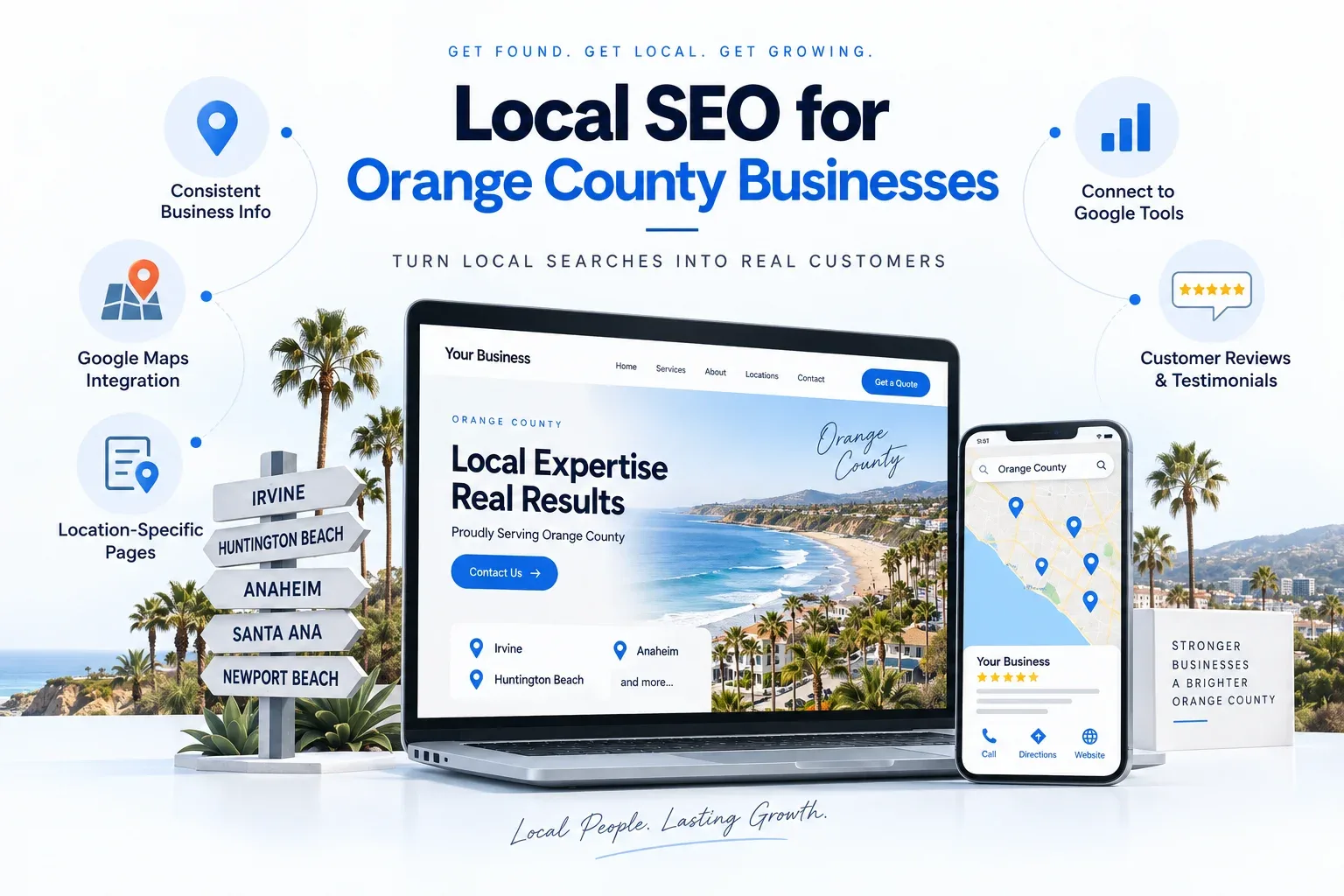
- Add your business name, address, and phone number consistently across every page
- Embed a Google Map or link to your Google Business Profile
- Create location-specific pages if you serve multiple cities (Irvine, Huntington Beach, Anaheim, and so on) without duplicating content word for word
- Connect easily to Google Search Console and Google Analytics
- Add customer review widgets or testimonials, which help build trust signals for both visitors and search engines
Wix, WordPress, and Squarespace all support this well. GoDaddy can too, but expect to do more manual work to get the same result, since several of its business profile and local SEO tools sit behind paid tiers.
If you serve multiple Orange County cities, resist the temptation to copy and paste the same page with only the city name swapped out. Search engines can recognize near-duplicate content, and it rarely performs as well as pages written specifically for each area, even if that means writing shorter, more focused pages rather than long, repetitive ones
A Note on AI Search Visibility
Search behavior is shifting. More people are asking questions directly to AI tools like ChatGPT, Gemini, and Claude instead of typing a query into Google. This has led to growing interest in what’s sometimes called generative engine optimization, or GEO, which focuses on getting your content referenced or recommended by AI systems rather than just ranked in traditional search results.
The overlap with traditional SEO is significant. Clear, well-structured content with accurate information, descriptive headings, and proper schema markup tends to perform well in both traditional search and AI-generated answers. Some platforms have started adding tools aimed specifically at tracking AI visibility, but the underlying fundamentals, clear writing, accurate information, and a well-organized site, remain the same regardless of which system is reading your content.
Common Mistakes to Avoid
- Choosing a builder based on price alone. A cheap plan that limits your ability to edit meta descriptions or add redirects will cost you more time later.
- Ignoring mobile design. Google primarily uses the mobile version of your site to decide how it ranks, so check how your site looks on a phone before publishing.
- Skipping image optimization. Large, uncompressed images slow down your site. Most builders offer some automatic compression, but it’s worth double-checking.
- Forgetting redirects when changing URLs. If you rename a page without setting up a 301 redirect, you risk losing whatever ranking that page had built up.
- Assuming the builder will do the work for you. SEO tools help you implement good practices; they don’t write your content or build your backlinks.
- Duplicating content across location pages. This weakens rather than strengthens your local SEO efforts.
- Letting the site go stale. Search engines tend to favor sites that publish and update content regularly over ones that haven’t changed in years.
Frequently Asked Questions
There’s no single answer that fits every business. WordPress offers the most technical control and is generally preferred by SEO professionals for complex or large sites. Wix and Squarespace are easier to use and cover the SEO basics well, which makes either a solid choice for smaller local businesses that don’t need advanced customization.
There’s no single answer that fits every business. WordPress offers the most technical control and is generally preferred by SEO professionals for complex or large sites. Wix and Squarespace are easier to use and cover the SEO basics well, which makes either a solid choice for smaller local businesses that don’t need advanced customization.
WordPress offers more technical control and is generally preferred by SEO professionals for complex or large sites. Wix is easier to use and covers the SEO basics well, making it a solid choice for smaller local businesses that don’t need advanced customization or hundreds of pages.
For most non-technical business owners, Wix or Squarespace offer the best combination of ease of use and SEO coverage. Both handle sitemaps, meta tags, and mobile responsiveness automatically, so you don’t need to touch any code to get the basics right.
Yes, but it takes careful planning. You’ll need to set up 301 redirects from every old URL to its new location and resubmit your sitemap to Google Search Console. Expect some temporary ranking fluctuation while search engines reprocess your site, and try to preserve your existing URL structure where possible to reduce the amount of redirect mapping needed.
Not necessarily. Platforms like Wix, Squarespace, and Shopify are built so non-technical users can manage most SEO tasks themselves. WordPress can also be managed without coding knowledge for basic tasks, though a developer becomes useful for advanced customization, schema implementation, or troubleshooting plugin conflicts.
This varies a lot depending on competition, content quality, and how established your business already is online, so it’s not something any platform or guide can promise a specific timeline for. Generally, meaningful movement takes months rather than weeks, and ongoing content and consistency matter more than any one-time setup step.
Yes, having HTTPS (indicated by the padlock icon in your browser) is considered a baseline requirement, and most modern website builders include a free SSL certificate by default.