What Is an SSL Certificate and How Do You Get One?
An SSL certificate is a small file installed on a website’s server that encrypts the connection between your browser and that site. It’s the reason a web address starts with HTTPS instead of HTTP, and the reason you see a padlock icon next to the URL. Most hosting plans and domain purchases now include a free SSL certificate automatically, so for many website owners today there’s little to no extra setup involved. Strong security is a basic part of any quality website design Orange County businesses depend on, since trust affects whether local visitors call or book.
If you’ve typed “what is a SSL,” “whats an SSL,” or “what does SSL certificate stand for” into Google, you’re not alone. SSL comes up constantly in website setup, but most explanations either go too technical or skip the parts business owners actually care about, like cost, effort, and how long it takes. This guide covers all of that.
What Is an SSL Certificate?
An SSL certificate is a digital file that does two jobs at once: it proves a website is who it claims to be, and it encrypts the data moving between that website and the person visiting it.
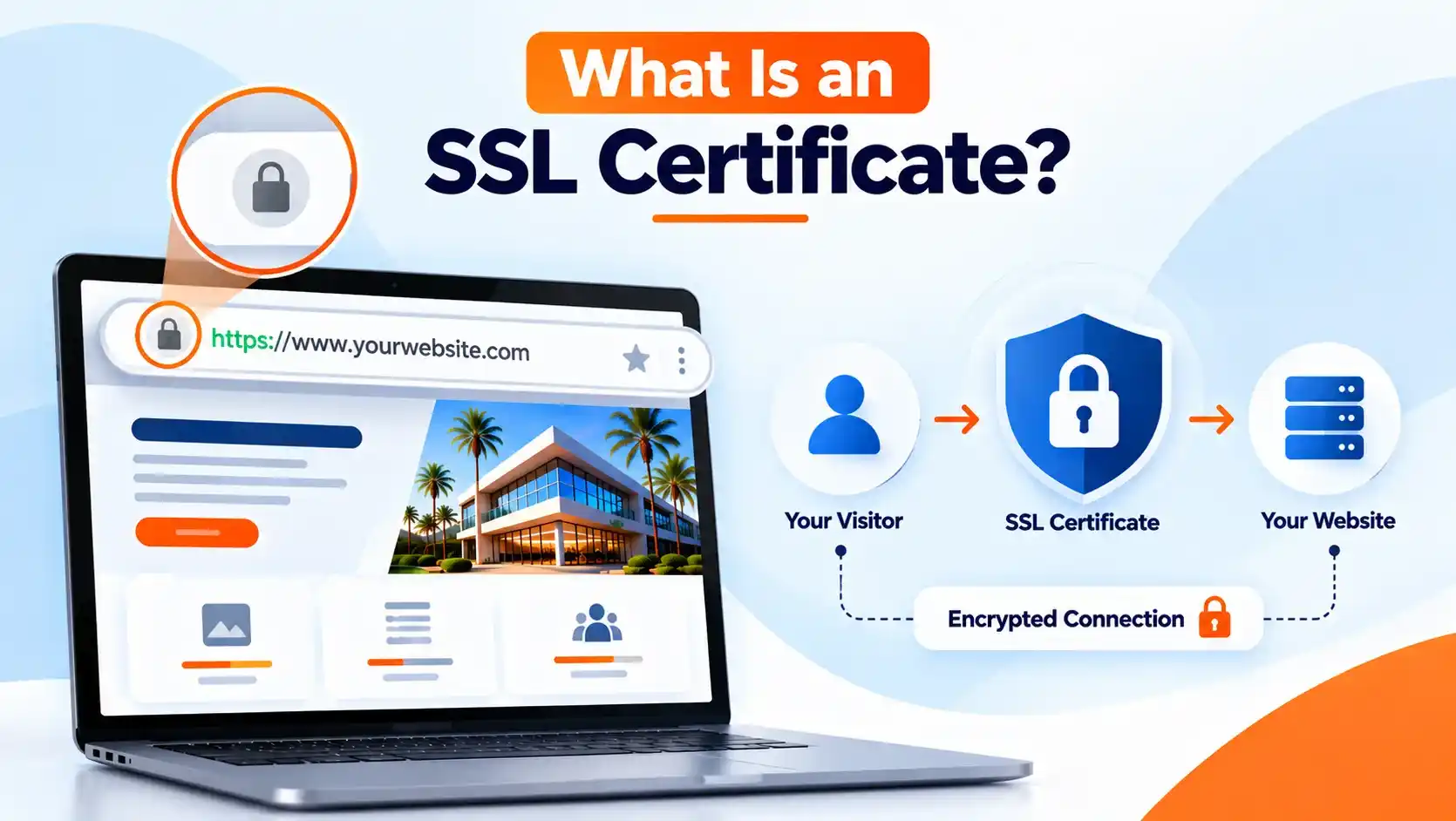
SSL stands for Secure Sockets Layer. It’s a security protocol that was created in the 1990s to protect information sent over the internet. Today, the technology behind it has actually been replaced by something newer called TLS, or Transport Layer Security. TLS does the same job better, but the name “SSL” stuck around out of habit, so people still use it when they really mean TLS. You’ll see both terms used for the same thing.
Every SSL certificate holds a few key pieces of information:
- The domain name it was issued for
- Who it was issued to (a person, business, or device)
- The Certificate Authority that issued it
- The certificate’s issue and expiration dates
- A public key used for encryption
You can view any website’s certificate by clicking the padlock icon in your browser’s address bar.
What Is SSL For a Domain, Exactly?
When someone asks what an SSL certificate does for a domain, the short version is: it locks down every piece of information sent to and from that specific web address. Without it, anything typed into a contact form, login page, or checkout screen travels across the internet as plain, readable text. With it, that same information gets scrambled so only the intended server can read it.
This matters for any domain that collects even basic visitor information, not just online stores. A contact form on a local service business site is just as exposed without SSL as a checkout page.
How Does an SSL Certificate Work?
SSL certificates work through a short exchange between your browser and a web server, known as an SSL handshake. Here’s the process in plain terms:
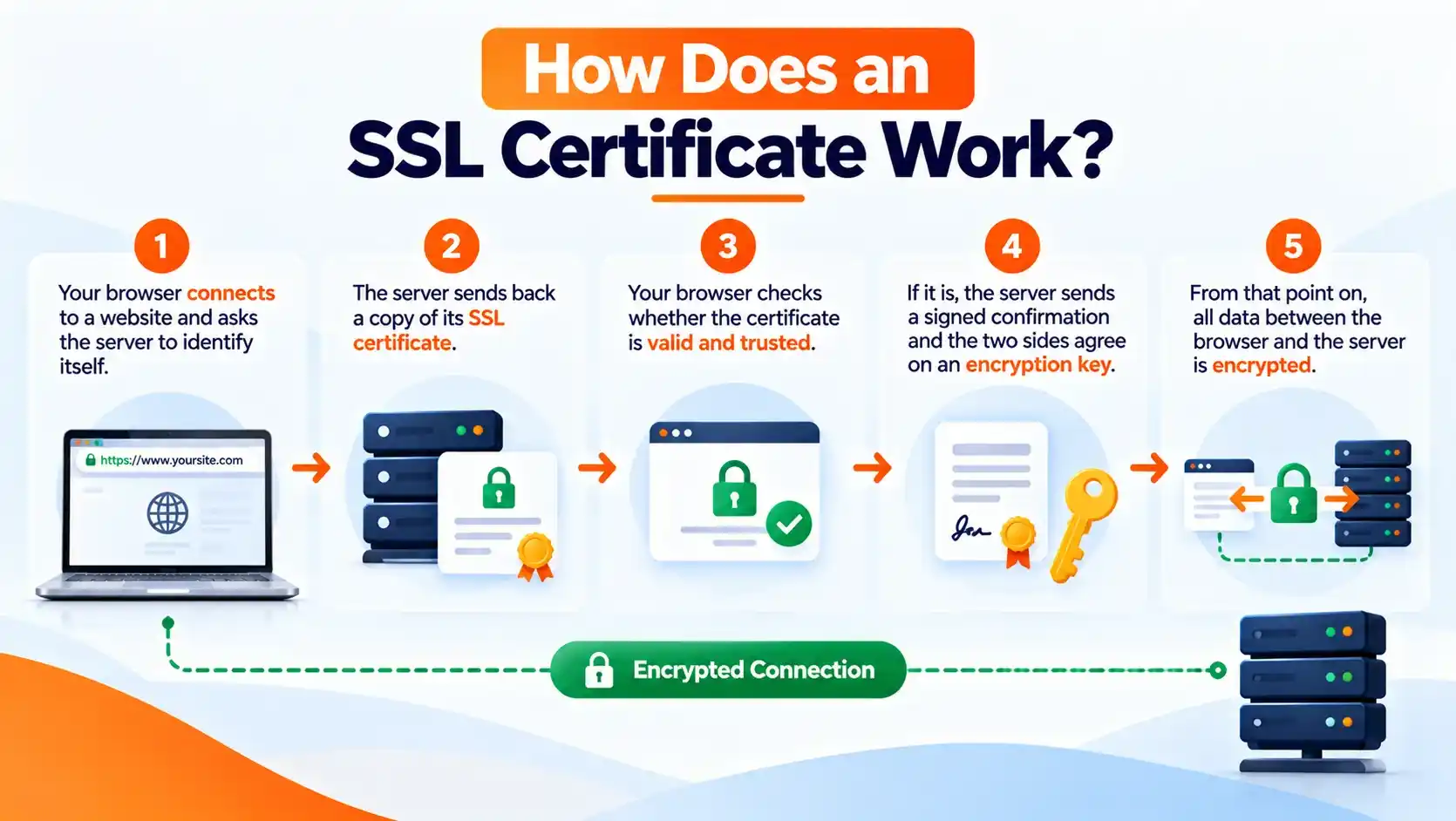
- Your browser connects to a website and asks the server to identify itself.
- The server sends back a copy of its SSL certificate.
- Your browser checks whether the certificate is valid and trusted.
- If it is, the server sends a signed confirmation and the two sides agree on an encryption key.
- From that point on, all data between the browser and the server is encrypted.
This whole exchange happens in a fraction of a second, before the page even finishes loading. You never see it happen, but it’s the reason your bank login or your customer’s credit card number doesn’t sit out in the open while it’s being transmitted.
Why Websites Need an SSL Certificate
An SSL certificate isn’t optional anymore for a website that wants to be taken seriously. Here’s what it actually does for a site:
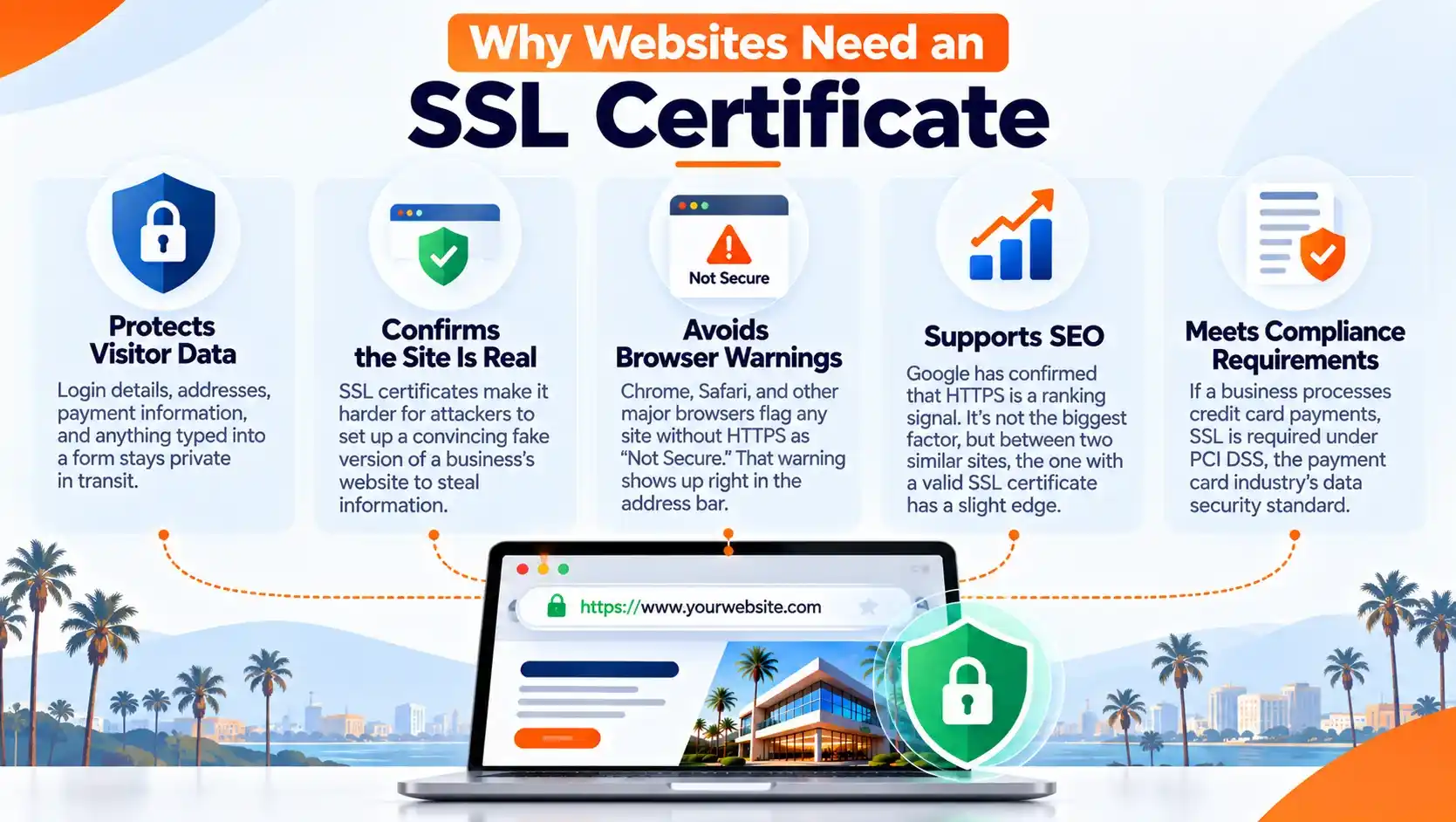
Protects visitor data. Login details, addresses, payment information, and anything typed into a form stays private in transit.
Confirms the site is real. SSL certificates make it harder for attackers to set up a convincing fake version of a business’s website to steal information.
Avoids browser warnings. Chrome, Safari, and other major browsers now flag any site without HTTPS as “Not Secure.” That warning shows up right in the address bar, before a visitor even reads a word of your content.
Supports SEO. Google has confirmed that HTTPS is a ranking signal. It’s not the biggest factor in search rankings, but between two similar sites, the one with a valid SSL certificate has a slight edge.
Meets compliance requirements. If a business processes credit card payments, SSL is required under PCI DSS, the payment card industry’s data security standard.
For businesses here in Orange County, this comes up constantly with local service companies, restaurants, and retailers building out online booking or ordering systems. A site handling appointments or payments without SSL is a liability, not just a technical gap.
Types of SSL Certificates
Not every SSL certificate offers the same level of verification. The differences come down to how much checking the Certificate Authority does before issuing it.
| Type | Validation Level | Best For |
|---|---|---|
| Domain Validated (DV) | Confirms domain ownership only | Blogs, personal sites, small informational pages |
| Organization Validated (OV) | Confirms domain ownership plus business details | Business websites collecting basic visitor info |
| Extended Validation (EV) | Full legal and operational review of the business | Banks, e-commerce, sites handling sensitive payments |
| Wildcard SSL | Covers one domain plus unlimited subdomains | Sites with multiple subdomains (mail, shop, login) |
| Multi-Domain (SAN/UCC) | Covers several separate domains on one certificate | Businesses managing multiple websites |
A DV certificate is fine for a simple blog. A business collecting payment information or login credentials should look at OV or EV instead, since these give visitors a stronger signal that the site has actually been verified.
How to Get an SSL Certificate
Getting an SSL certificate for a website used to be a manual, multi-step process. That’s still true for higher-validation certificates, but for most standard websites today, it’s become much simpler.
Most hosting providers now bundle a free SSL certificate directly with your domain or hosting plan, and it gets installed and activated automatically the moment your site goes live. There’s no separate purchase or setup step involved in most cases.
The one thing worth checking is at the point of buying your domain or hosting plan. Before you purchase, look at whether the plan says SSL is included. Most mainstream hosts include it by default now, but a few budget or older plans still leave it as a paid add-on, so it’s worth confirming rather than assuming. If it’s not listed anywhere on the plan details, ask the provider directly before you buy.
If you manage your own hosting or run a more complex setup, your web host or IT provider can usually complete this whole process for you in under an hour.
If you do need a certificate with a higher level of validation, such as OV or EV, or you’re setting one up manually outside of a bundled hosting plan, here’s how that process works:
- Choose a Certificate Authority. This is the organization that verifies your domain and issues the certificate. Popular options include Let’s Encrypt (free), DigiCert, Sectigo, and GlobalSign. Many hosting providers also issue certificates directly.
- Generate a Certificate Signing Request (CSR). This is a small file created on your server that includes your domain and public key information. Most hosting dashboards generate this automatically, or your hosting provider can do it for you.
- Submit the CSR and complete validation. The Certificate Authority checks your domain ownership, and for OV or EV certificates, your business details as well. Domain validation can take a few minutes. Extended validation can take several days.
- Install the certificate. Once issued, the certificate needs to be installed on your web server. Most hosting companies handle this step automatically or with one click.
How Much Does an SSL Certificate Cost?
SSL certificate pricing depends on the validation level:
- DV certificates: Free to around $10 per year, and increasingly bundled at no extra cost with hosting
- OV certificates: Roughly $50 to $150 per year
- EV certificates: Roughly $150 to $300 per year
- Wildcard or multi-domain certificates: Often $50 to $200+ per year, depending on the provider and number of domains covered
Free options like Let’s Encrypt are trusted by every major browser and offer strong encryption. The tradeoff is that they only provide domain validation, so they don’t display an organization’s verified name the way OV or EV certificates do. For a personal blog, free SSL is plenty. For a business handling customer payments, paying for a higher validation level is usually worth it for the added trust signal.
How to Tell If a Site Has SSL
Checking whether a website has a valid SSL certificate takes a few seconds:
- Look at the address bar. A secure site starts with HTTPS, not HTTP.
- Look for the padlock icon next to the URL. Click it to see certificate details, including who issued it and when it expires.
- Watch for warnings. If your browser shows “Not Secure” or “Your connection is not private,” the site either has no certificate, an expired one, or a misconfigured one.
If you see a warning like that, avoid entering any personal or payment information on that site until it’s resolved.
What Happens When an SSL Certificate Expires
SSL certificates aren’t permanent. Most last one to two years and need to be renewed. When one expires, visitors get a security warning and, in many cases, the browser blocks the page entirely until they click through an extra warning screen.
An expired certificate doesn’t just look bad. It actively pushes visitors away and can quietly hurt conversions on a business site, since most people won’t click past a “Not Secure” warning to check out or fill out a form. Most Certificate Authorities send renewal reminders starting around 90 days before expiration, and many hosting providers now offer automatic renewal so this doesn’t slip through the cracks.
Common SSL Problems and How to Fix Them
A few issues come up repeatedly with SSL certificates:
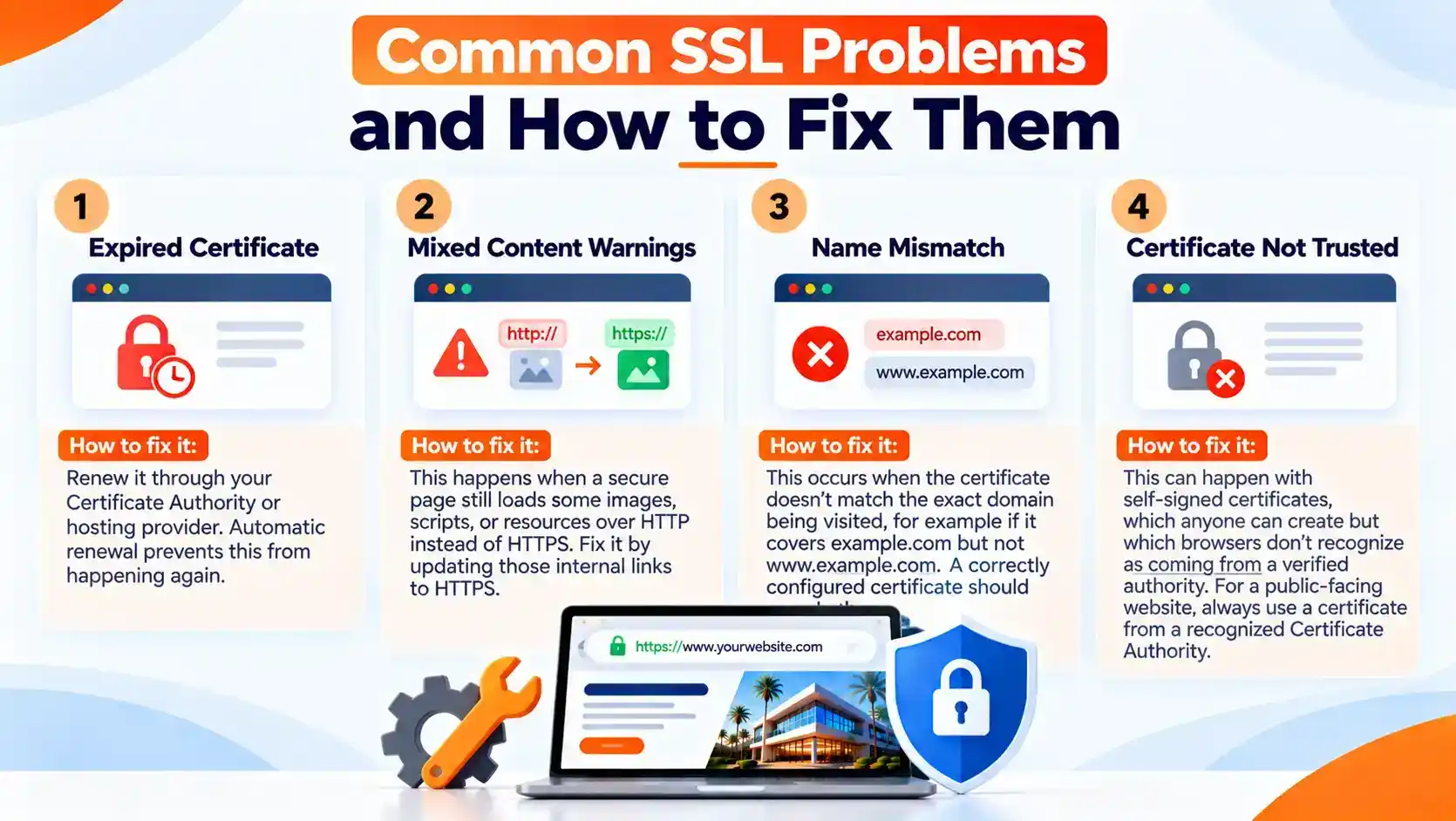
Expired certificate. Renew it through your Certificate Authority or hosting provider. Automatic renewal prevents this from happening again.
Mixed content warnings. This happens when a secure page still loads some images, scripts, or resources over HTTP instead of HTTPS. Fix it by updating those internal links to HTTPS.
Name mismatch. This occurs when the certificate doesn’t match the exact domain being visited, for example if it covers example.com but not www.example.com. A correctly configured certificate should cover both.
Certificate not trusted. This can happen with self-signed certificates, which anyone can create but which browsers don’t recognize as coming from a verified authority. For a public-facing website, always use a certificate from a recognized Certificate Authority.
A Few Honest Limitations of SSL
SSL certificates are important, but they don’t protect against everything. An SSL certificate secures data in transit, meaning while it’s traveling between a browser and a server. It doesn’t protect data once it’s stored on a server, and it doesn’t stop malware, phishing, or tracking scripts on a page. A phishing site can absolutely have a valid SSL certificate and still be fraudulent. SSL is one part of a website’s security, not the whole picture.
FAQs
SSL stands for Secure Sockets Layer, a security protocol that encrypts data between a browser and a website. Modern websites actually run on TLS (Transport Layer Security), the updated version of SSL, though the older name is still used in everyday conversation.
In most cases, yes. Most hosting providers now include a free SSL certificate automatically with your domain or hosting purchase, installed and activated the moment your site goes live, with no separate setup step required. It’s still worth checking the plan details before you buy, since some budget or older hosting plans list it as a separate paid add-on.`
Yes, if your site has any login form, contact form, or search bar. Google Chrome and other browsers flag any site without HTTPS as not secure, regardless of whether payments are involved.
Yes. Providers like Let’s Encrypt offer free, browser-trusted SSL certificates that work well for personal sites and small businesses, and many hosts now include this automatically. Businesses wanting to display their verified name in the browser bar will still need to purchase an OV or EV certificate separately.
If it’s bundled with your hosting, it’s typically active immediately when your site goes live. If you’re obtaining one separately, a basic domain-validated certificate can be issued within minutes, while organization and extended validation certificates take longer, typically a few days to about a week.
A website without SSL isn’t just a technical gap anymore, it’s the first thing a visitor’s browser flags before they even see your homepage. The good news is that for most website owners today, this is largely handled automatically through hosting. The main thing to do is check for it before you buy, rather than assume it’s included.
Want this saved as a Word doc or formatted file you can hand off or upload directly?