What Are the Best Free Website Traffic Checker Tools? (2026 Guide)
The best free website traffic checker depends on whose traffic you want to see. For your own website, Google Analytics 4 (GA4), Google Search Console, and Bing Webmaster Tools are all free, and they show real data from real visitors. For a competitor’s website, the free versions of SimilarWeb, Ahrefs, Semrush, or Ubersuggest can help, but they give estimates, not exact numbers.
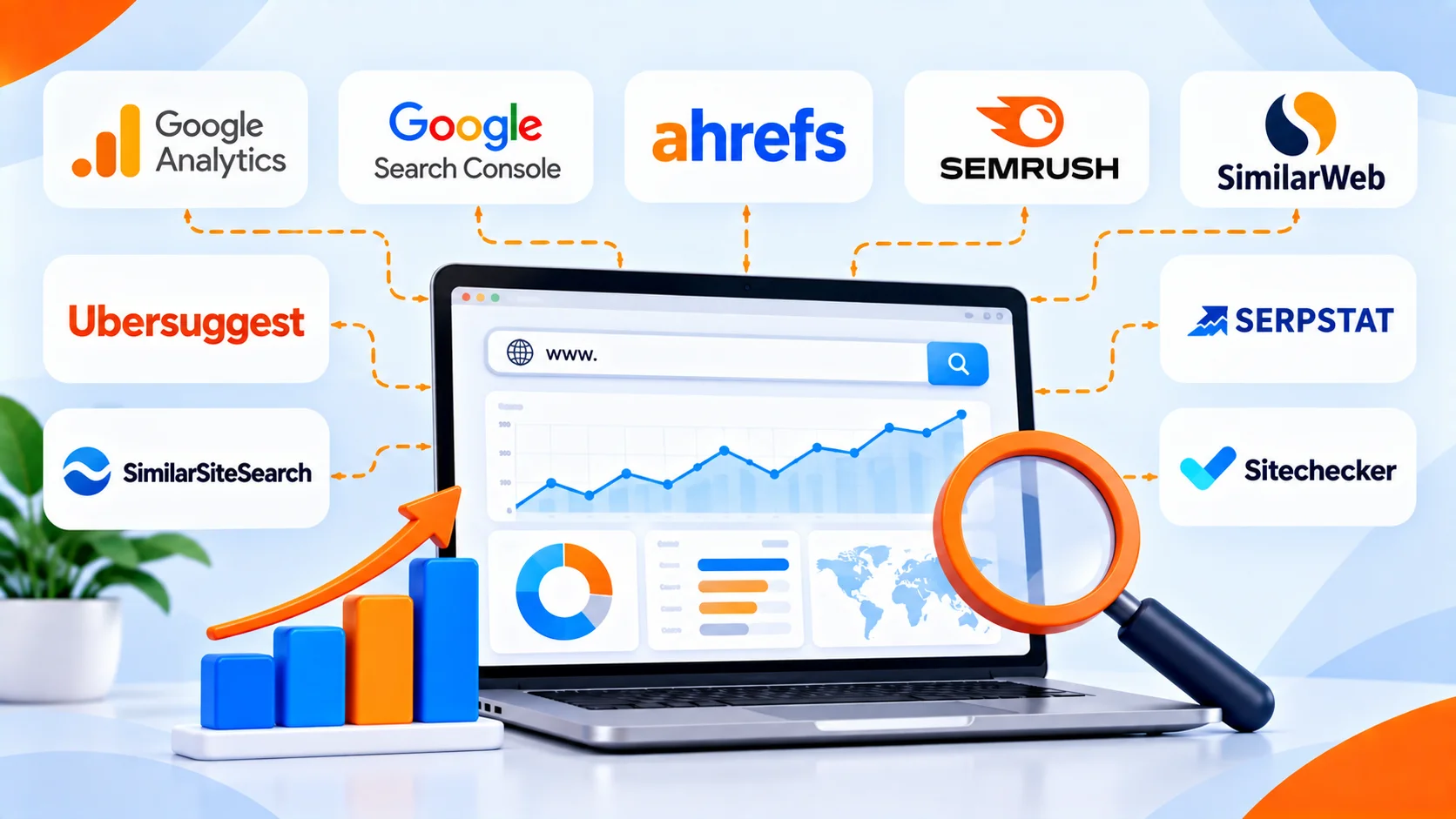
No free tool can show exact traffic for a website you do not own. If a tool claims it can, treat its numbers with caution.
Key Takeaways
- Own-site tools measuretraffic. Competitor tools estimate it. Never mix the two in one conclusion.
- Estimates are most useful for comparing competitors with each other, and least reliable for small and local sites.
- Most businesses need only GA4 and Search Console. Add other tools when a specific question calls for them.
- Traffic volume matters less than what visitors do. Track calls, forms, and bookings, not just visits.
- Check at least three data views before acting on a traffic spike or drop.
What Does a Website Traffic Checker Do?
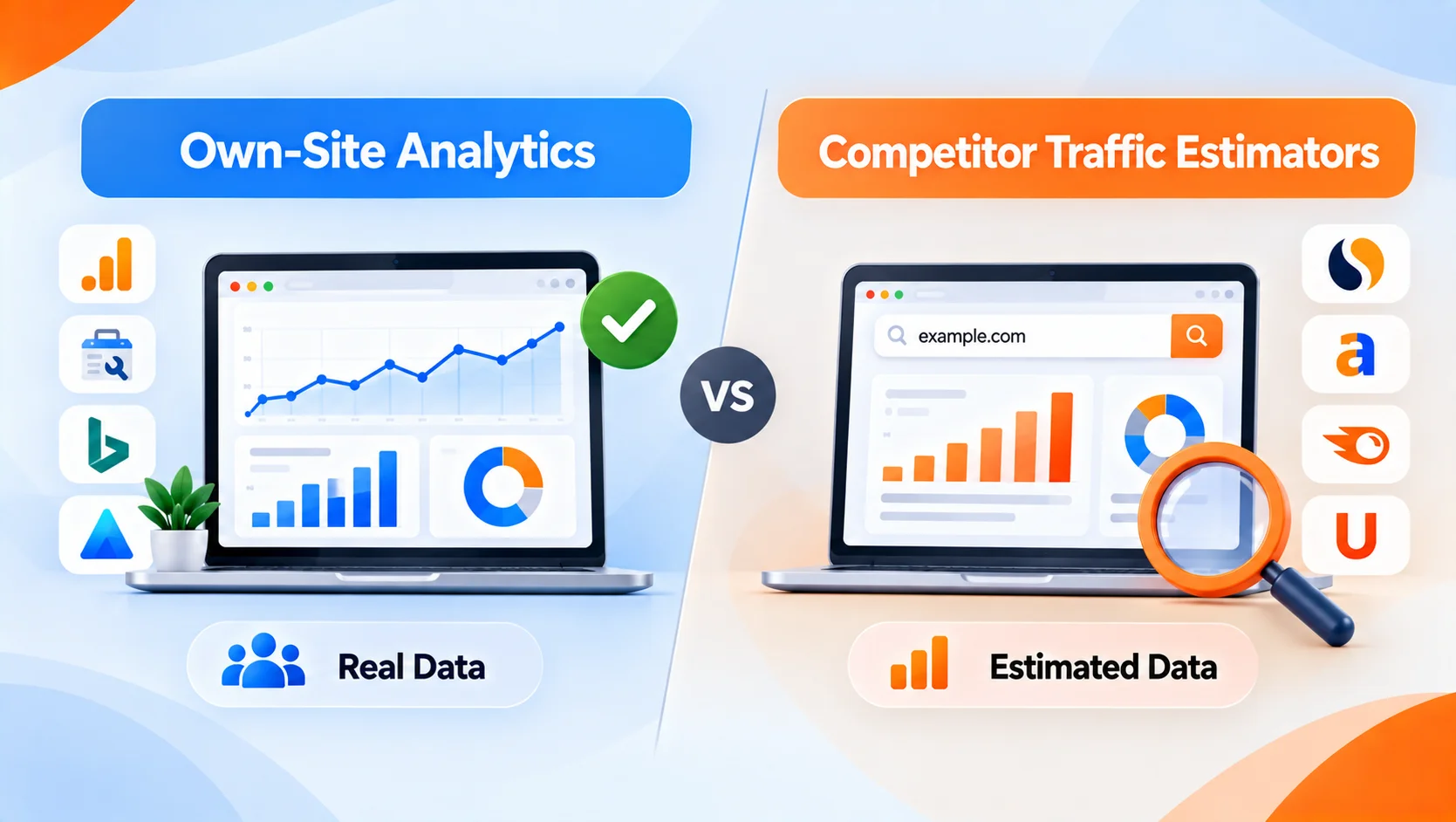
A website traffic checker shows how many people visit a site, where they come from, and which pages they view. Some tools report on sites you own, some estimate traffic for sites you do not, and a few do both. A free website traffic checker is simply one of these tools offered at no cost, usually with some limits on depth, history, or daily lookups.
Two terms make the rest of this guide easier to follow. First-party data is information collected from a property you own and have verified, or from analytics you installed yourself. A competitor traffic estimate is a modeled view of a domain you do not control. Tools fall into these two groups, and mixing them up is the most common mistake people make when they check website traffic.
| Own-site analytics | Competitor traffic estimators | |
|---|---|---|
| Examples | GA4, Search Console, Bing Webmaster Tools, Google Business Profile, Clarity, Cloudflare Web Analytics, Matomo, Looker Studio, WordPress plugins | SimilarWeb, Ahrefs, Semrush, Ubersuggest |
| Works on | Only sites and listings you own and have set up | Any public website |
| Data type | Real, counted visits and actions | Modeled estimates |
| Setup needed | Yes: a tag, plugin, or site verification | No, just enter a domain |
| Best use | Understanding your own results | Benchmarking and research |
The simplest rule: use first-party data for truth, and third-party estimates for direction. If a tool can only look at an outside domain, it is estimating. If it needs site verification or a tracking script, it can measure directly.
Which tool fits your question?
| Your question | Start here |
|---|---|
| How many people visit my site, and what do they do? | Google Analytics 4 |
| How do people find me on Google? | Google Search Console |
| How do people find me on Bing? | Bing Webmaster Tools |
| Are calls and direction requests rising? | Google Business Profile |
| Where do visitors click or get stuck? | Microsoft Clarity |
| Can I measure traffic without cookies? | Cloudflare Web Analytics or self-hosted Matomo |
| Can I combine reports in one view? | Looker Studio |
| Is my competitor bigger than me? | SimilarWeb or Ahrefs free checker |
| Which keywords bring my competitor traffic? | Semrush or Ahrefs free lookups |
Best Free Tools to Check Your Own Website Traffic
A free website traffic checker for your own site is only as good as its setup, which is why each tool below is described by what it measures, where it fits, and where it falls short. Each one answers a different question, so most sites get the best results from a small combination rather than a single tool.
Google Analytics 4 (GA4)
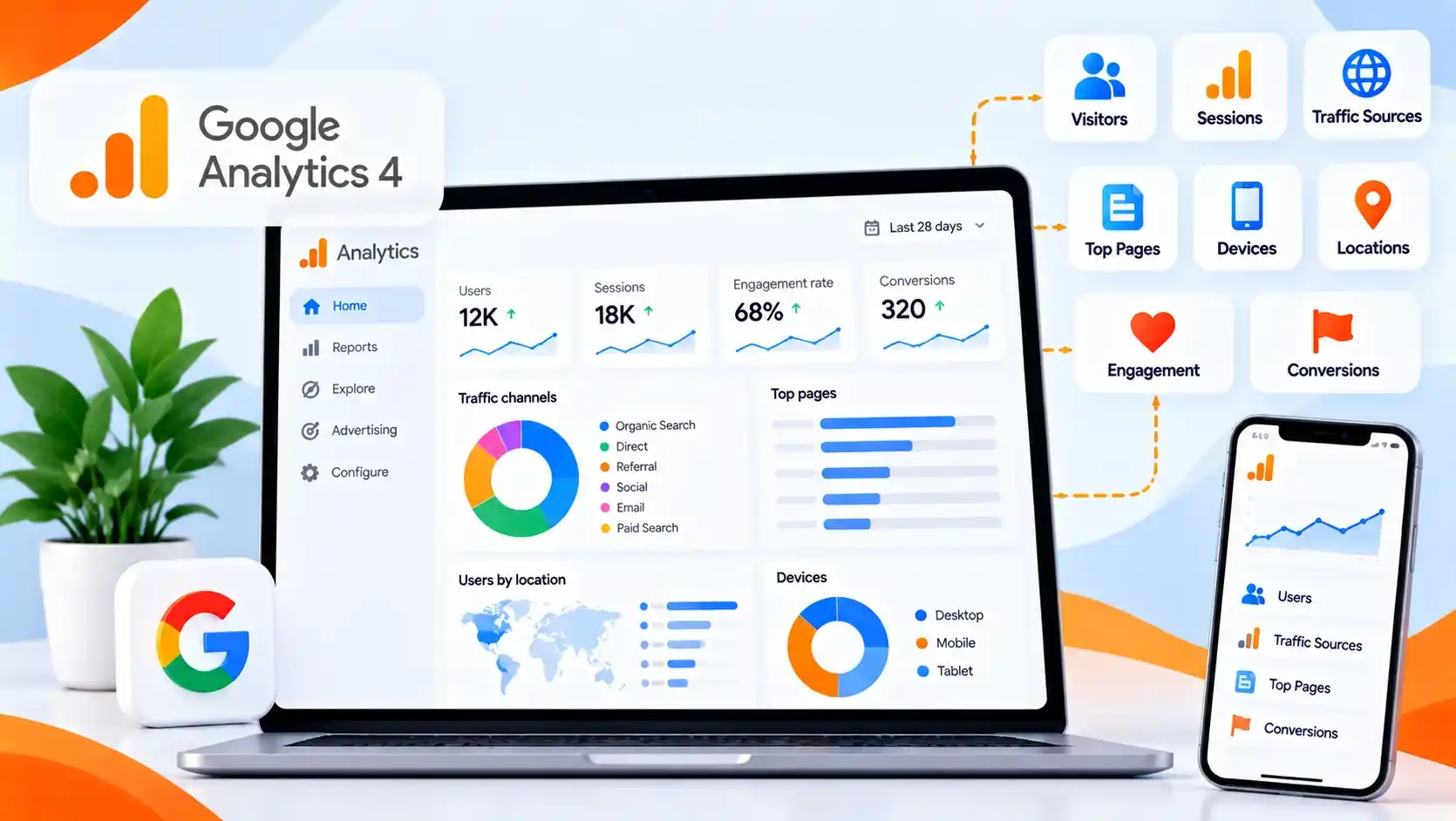
GA4 is the best free starting point for checking your own website traffic. It shows visitors, sessions, traffic sources, top pages, devices, locations, engagement, and conversions such as form submissions and phone calls, once you set them up. Its acquisition reports group visits into channels like organic search, direct, referral, email, social, and paid, so you can see which sources bring people who actually take action.
GA4 is ideal for seeing what visitors do after they arrive, but it has limits. Setup takes time, the reports can feel confusing at first, and it cannot show anyone else’s traffic. Results also depend on clean implementation, because consent settings, ad blockers, duplicate tags, and missing campaign tags can all distort the numbers. GA4 does have a mobile app for quick checks. One important setup tip is that conversions are not tracked automatically, so mark key actions such as a contact form sent, a call button clicked, or a booking completed as key events. That way the data reflects real business results.
Google Search Console
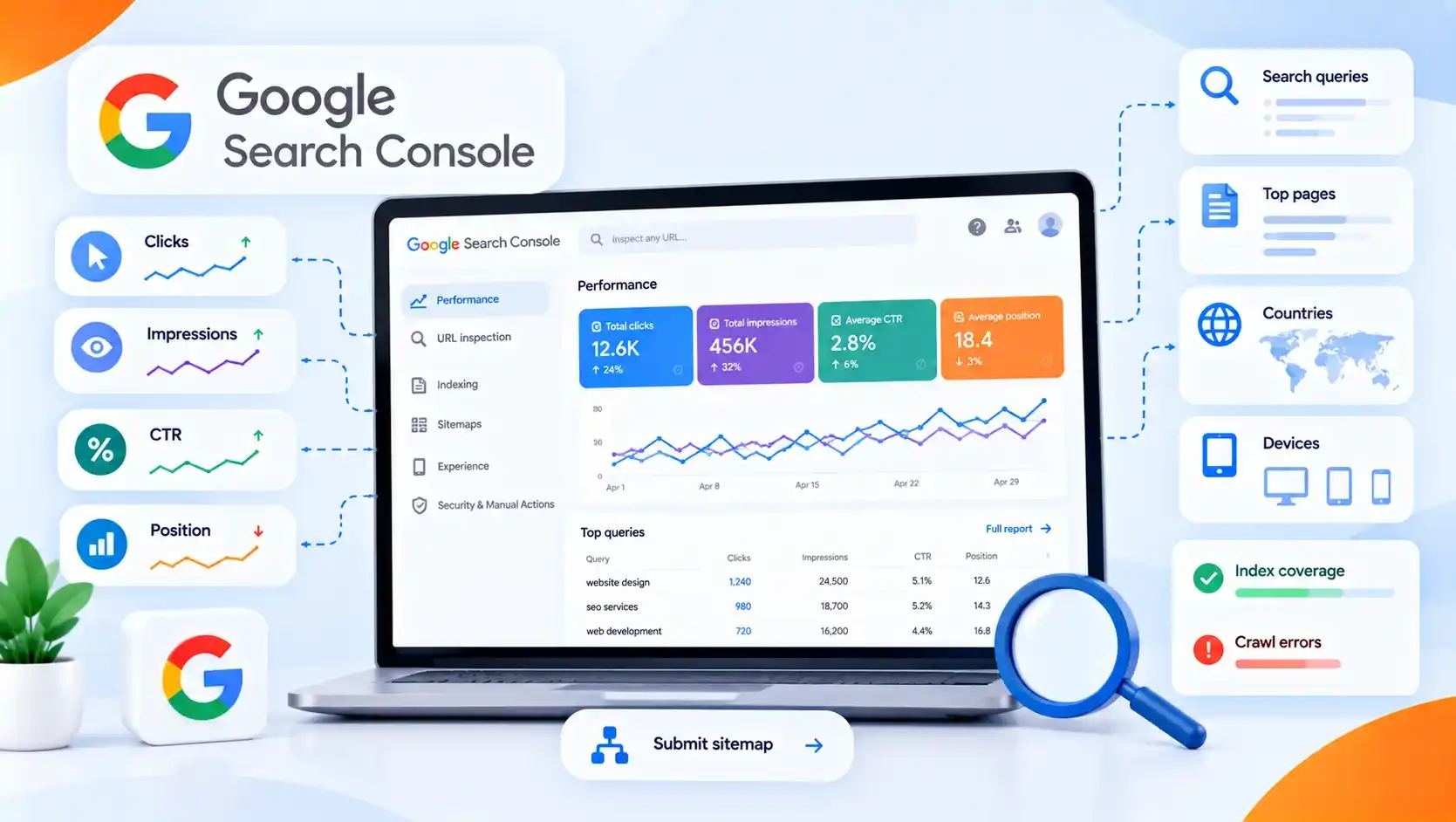
Search Console shows how your site performs in Google Search. Its Performance report covers clicks, impressions, click-through rate, and average position, along with the queries, pages, countries, and devices behind them. It also shows which pages Google has indexed and flags problems such as crawl errors and mobile usability issues.
This makes it the best free tool for understanding how people find you on Google and for spotting pages with many impressions but few clicks. Its limit is that it covers Google search traffic only. It does not show visits from social media, email, ads, referrals, or direct traffic, and it does not tell you what people do on your site. After verifying your site, submit your XML sitemap so Google can discover new pages faster.
Search Console and GA4 work best together. Search Console shows how people arrive from Google, and GA4 shows what they do next.
Bing Webmaster Tools
Bing Webmaster Tools works like Search Console, but for Bing. Bing sends less traffic than Google for most sites, yet setup takes only minutes, and the tool adds a site scan, sitemap submission, and search performance data. That makes it a low-effort second source of search insight. If your site is already verified in Search Console, you can typically import it into Bing instead of verifying from scratch. Its main limit is that it covers Bing-powered search only, which is a smaller share of most traffic.
Google Business Profile
For local businesses, Google Business Profile can matter more than a website report. It shows how people found your listing, called you, asked for directions, messaged you, or clicked through to your site. If most of your customers phone you, this data may be more useful than page views. Google has changed how this reporting is labeled over time, so look for the performance or insights section inside your profile. The tool only covers your listing, not what happens on your website itself.
Microsoft Clarity
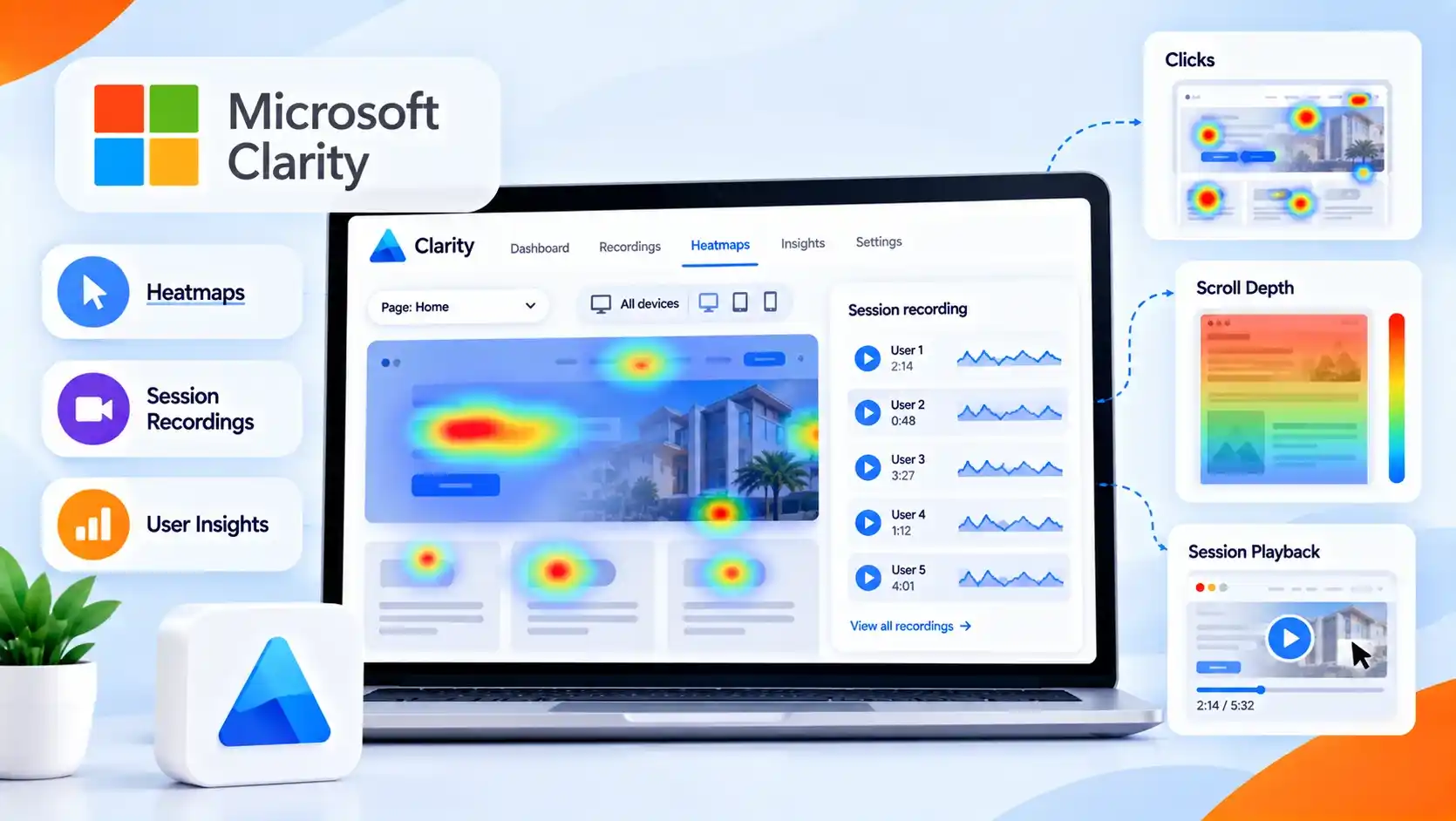
Clarity is free and adds heatmaps and session recordings, so you can see where visitors click, how far they scroll, and where they leave. It helps explain why a page with plenty of traffic produces few calls or form fills, and it is especially good at revealing confusing layouts, hidden buttons, and mobile problems. Because it measures behavior rather than traffic volume, treat it as an add-on to GA4, not a replacement. Recordings can capture personal information, so review Clarity’s masking settings and your privacy policy.
Cloudflare Web Analytics
Cloudflare Web Analytics is a free, privacy-focused option that reports page views, referrers, and performance without using cookies. It suits sites that want light reporting without a consent banner for analytics, though you should confirm your own legal requirements. It is also a useful cross-check when GA4 looks incomplete. The trade-off is far less detail than GA4, especially for conversions and campaign tracking.
Looker Studio
Looker Studio is a free Google tool that pulls GA4 and Search Console into one dashboard. It has a learning curve, but it helps if you report to a team or client and want one shareable view. It displays data from other tools rather than collecting its own, and ready-made templates can cut setup time.
Matomo (self-hosted)
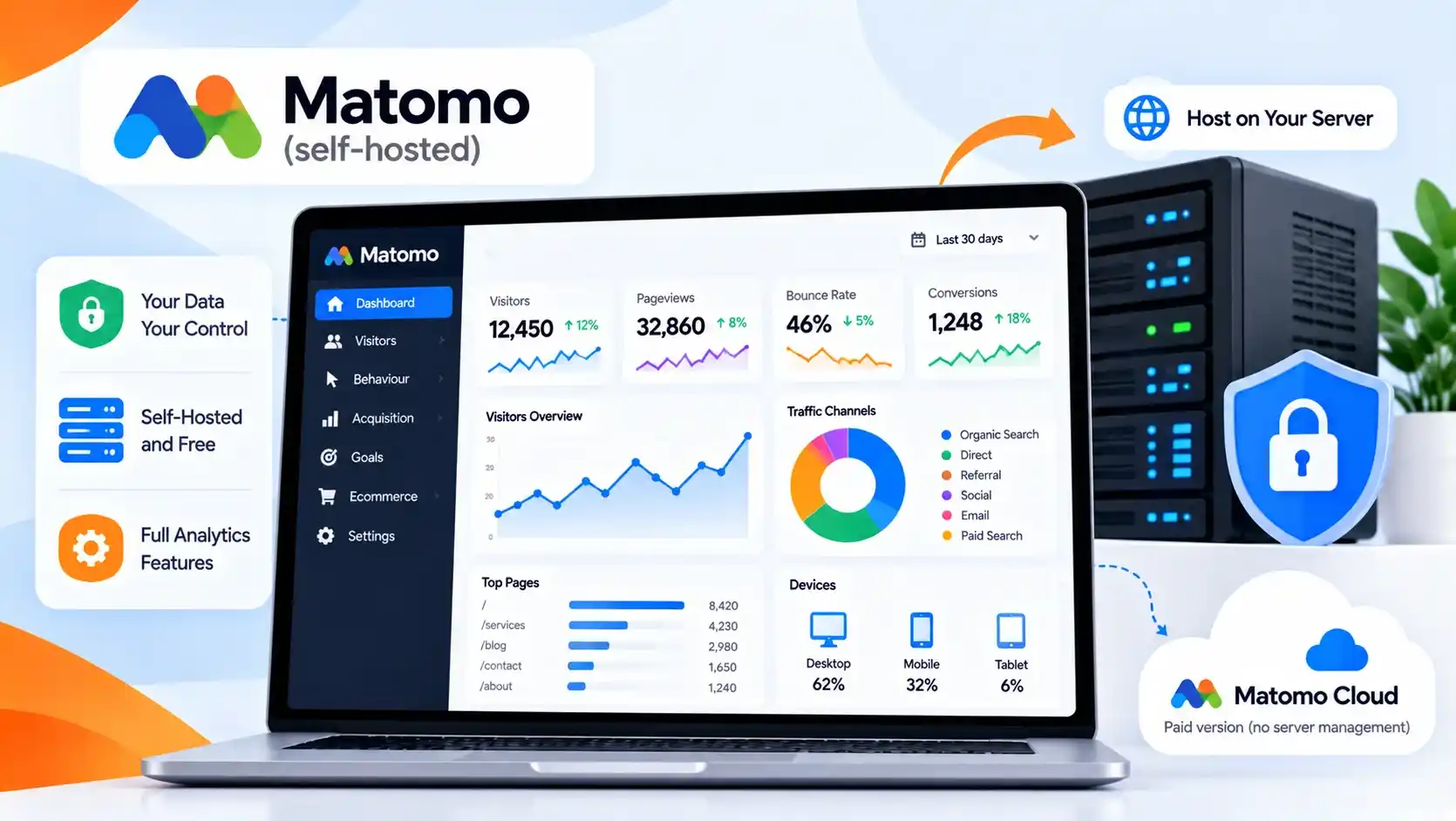
Matomo is an open-source analytics platform you can host yourself for free, giving you full ownership of your data. It needs technical setup and server upkeep, so it fits teams with a developer more than beginners. Matomo also offers a paid cloud version if you want the platform without managing a server.
WordPress options
If your site runs on WordPress, Google’s Site Kit plugin connects Analytics and Search Console inside your dashboard. Several analytics plugins, including MonsterInsights, offer free versions with basic reports. Check what each free version includes before installing, since advanced features such as e-commerce and form tracking are often paid. Avoid stacking several tracking plugins, which can slow your site and double count visits.
What free tools cannot do
None of these tools show your competitors’ traffic. They only measure your own site, so for competitors you need estimators.
Best Free Tools to Check a Competitor’s Website Traffic
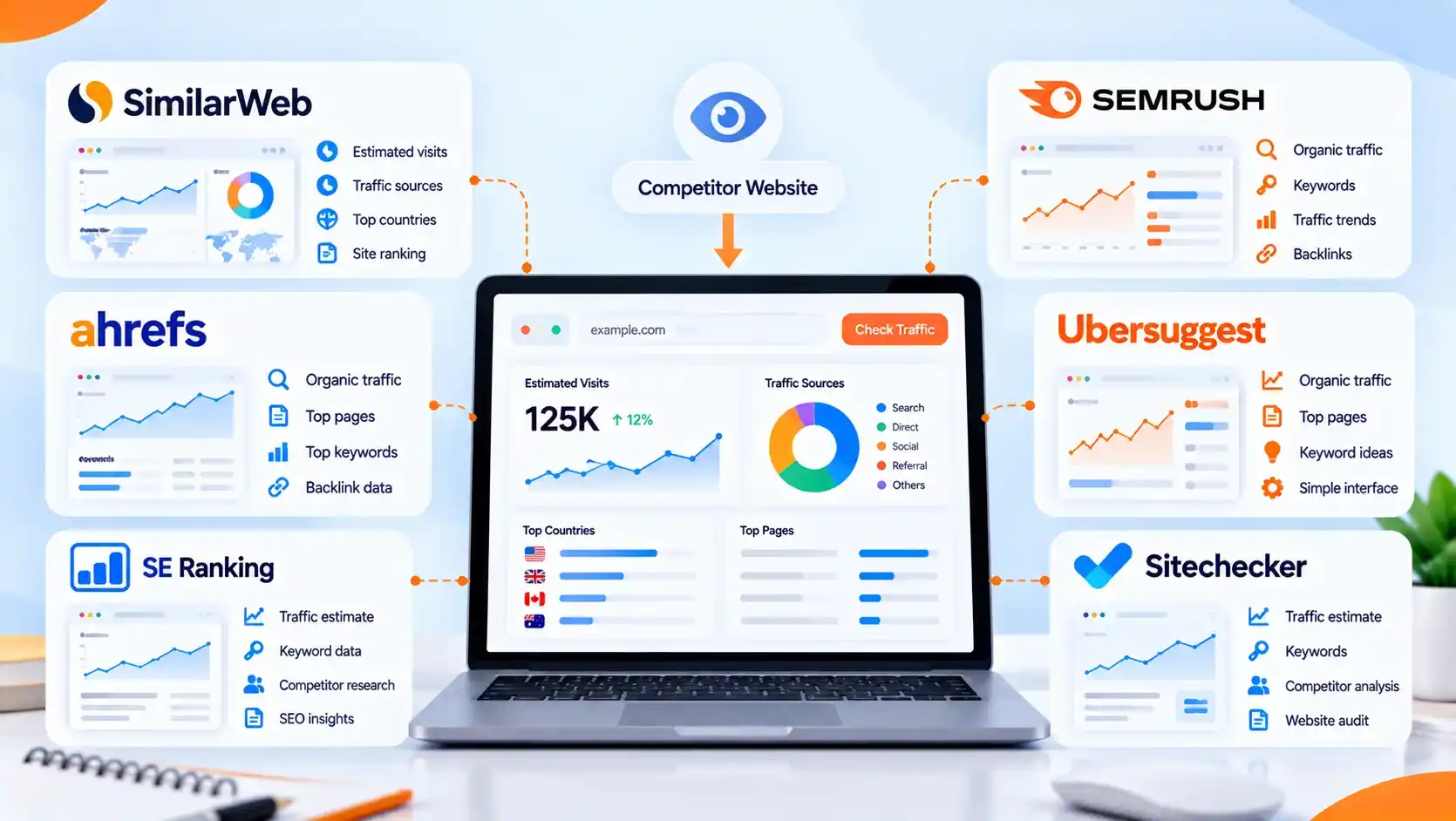
Competitor tools estimate traffic for any domain. Free versions are limited but enough for a first look, and free limits change often, so confirm them on each tool’s site. Because no external tool can see a competitor’s private analytics, conversions, or untagged campaigns, every number should be treated as a model.
SimilarWeb shows estimated visits, traffic sources (search, direct, social, and referral), top countries, and a rough site ranking. The free version and browser extension give a summary, while deeper data sits behind a paid plan. It is best for a quick look at a competitor’s traffic mix, although estimates for small or local sites are often thin or missing.
Ahrefs offers a free traffic checker for competitor domains, showing estimated organic traffic, top pages, and top keywords. It also offers free Webmaster Tools for sites you own and verify, with a site audit and backlink data. It is best for seeing which pages and keywords bring a competitor search traffic, but the free checker covers organic search estimates only, not direct, email, or social visits.
Semrush gives a free account limited daily lookups for organic traffic, keywords, and backlinks. It shows which keywords a competitor ranks for and how their estimated visits trend, which makes it strong for keyword-level research. Full traffic analytics need a paid plan.
Ubersuggest is a beginner-friendly option with a small number of free searches per day. It shows estimated organic traffic, top pages, and keyword ideas, so it suits occasional, simple checks. Its low daily caps and short data history on free plans are the main drawbacks.
Other free traffic checkers such as SE Ranking, Sitechecker, and Serpstat also offer limited free lookups. They can add a second opinion, which helps because no single estimate is exact. When two or three tools agree on direction, your confidence in the trend rises.
Tools That Look Like Traffic Checkers but Are Not
Some tools appear in traffic lists but answer a different question. Moz’s Domain Authority score rates a site’s link strength on a 1 to 100 scale, and it is not a visitor count. PageSpeed Insights measures speed and page experience, not visits. Hotjar and Mixpanel track behavior and product events on your own site rather than traffic totals for other sites. Alexa-style rankings are also outdated, since Alexa was retired years ago, so ignore any tool still leaning on its data.
Quick Comparison of All Tools
| Tool | Best for | Whose traffic | Data type |
|---|---|---|---|
| Google Analytics 4 | Visitor behavior and conversions | Your own site | Real |
| Google Search Console | Google search clicks and queries | Your own site | Real |
| Bing Webmaster Tools | Bing search performance | Your own site | Real |
| Google Business Profile | Calls, directions, local views | Your own listing | Real |
| Microsoft Clarity | Heatmaps and recordings | Your own site | Real behavior |
| Cloudflare Web Analytics | Cookieless basic reports | Your own site | Real |
| Looker Studio | Combined dashboards | Your own site | Real (from other tools) |
| SimilarWeb | Traffic source overview | Any site | Estimate |
| Ahrefs (free) | Organic traffic and keywords | Any site | Estimate |
| Semrush (free) | Competitor keywords | Any site | Estimate |
| Ubersuggest (free) | Simple beginner checks | Any site | Estimate |
How We Choose These Free Traffic Checkers
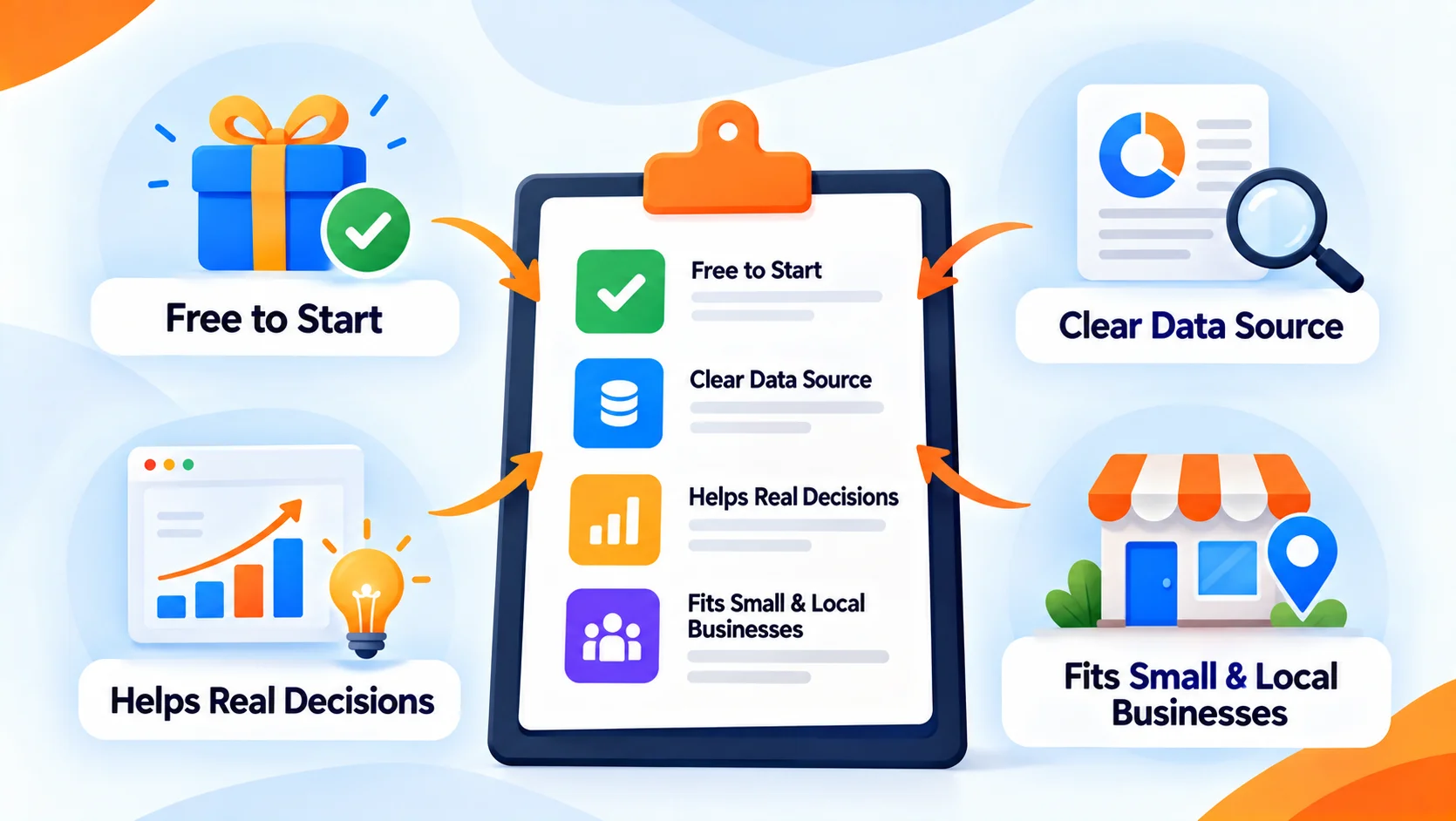
We judged each tool on four practical questions. Is it free to start? Is it clear about where its data comes from? Does it help you make a real decision about content, marketing, or your website? And does it fit a small or local business?
We did not start with the biggest number. We started with source fit, because a Search Console query table, a GA4 acquisition report, and a SimilarWeb competitor estimate can all describe “traffic” while answering completely different questions.
How Accurate Are Free Website Traffic Checkers?
Tools for your own site are accurate because they count real visits, though ad blockers, cookie choices, and setup errors can cause gaps. Competitor tools are estimates. They typically combine browsing panel data, search ranking and volume data, and statistical models, which is why two tools can show very different numbers for the same domain, and why accuracy is lower for small and local sites where samples are thin.
To use estimates well, compare trends and ratios rather than exact numbers, and check two or three tools to look for rough agreement. Never compare a competitor’s estimate directly with your own GA4 numbers, since they are measured differently. The best use of an estimate is to ask better questions, such as why a competitor ranks for a topic you have not covered.
Which Traffic Numbers Matter Most?
Traffic volume alone tells you little, so focus on metrics that connect to results.
| Metric | Plain meaning | Why it matters |
|---|---|---|
| Sessions | Visits to your site | Basic size of your traffic |
| Users | Individual visitors | Separates new audience from repeat |
| Organic sessions | Visits from unpaid search | Shows SEO reach |
| Engagement rate | Share of visits that were meaningful | A better quality signal than the old bounce rate |
| Top landing pages | Pages people enter on | Shows what brings people in |
| Conversions | Calls, forms, bookings, purchases | Shows business results |
| Conversion rate | Share of visits that convert | Shows how well pages persuade |
| Impressions and clicks | Times you appeared and were clicked in Google | Shows search visibility |
| Click-through rate | Clicks divided by impressions | Shows how appealing your listing is |
| Average position | Typical Google ranking | Tracks ranking direction |
A site with 500 visits and 20 calls is doing better than a site with 5,000 visits and none.
How to read your reports: practical examples
These are illustrations, not real client results. If Search Console shows many impressions but few clicks, the page ranks but the title or description is not persuading, so rewrite them and check again in a few weeks. If GA4 shows high traffic but no conversions, the page may attract the wrong visitors, or its call to action may be weak or hidden on mobile. Traffic from far outside your service area suggests your content is reaching people you cannot serve, so add clearer local signals. When mobile visitors leave faster than desktop visitors, check mobile layout, speed, and button placement. And if direct traffic is unusually high, untagged links, email clicks, or missing campaign tags may be pushing visits into “direct,” which you can fix by adding tracking parameters to campaign links.
How to Use Competitor Traffic Data Wisely
Competitor estimates help you plan, not copy. They are useful for finding topics and keywords a competitor ranks for that you do not cover, seeing which channels drive their visits and where you may be behind, spotting the pages that seem to bring them the most search traffic, and benchmarking rough size and direction over time. Do not judge your own success by comparing raw totals, and do not assume a competitor’s high traffic means high sales.
Can You Track Traffic From AI Tools Like ChatGPT?

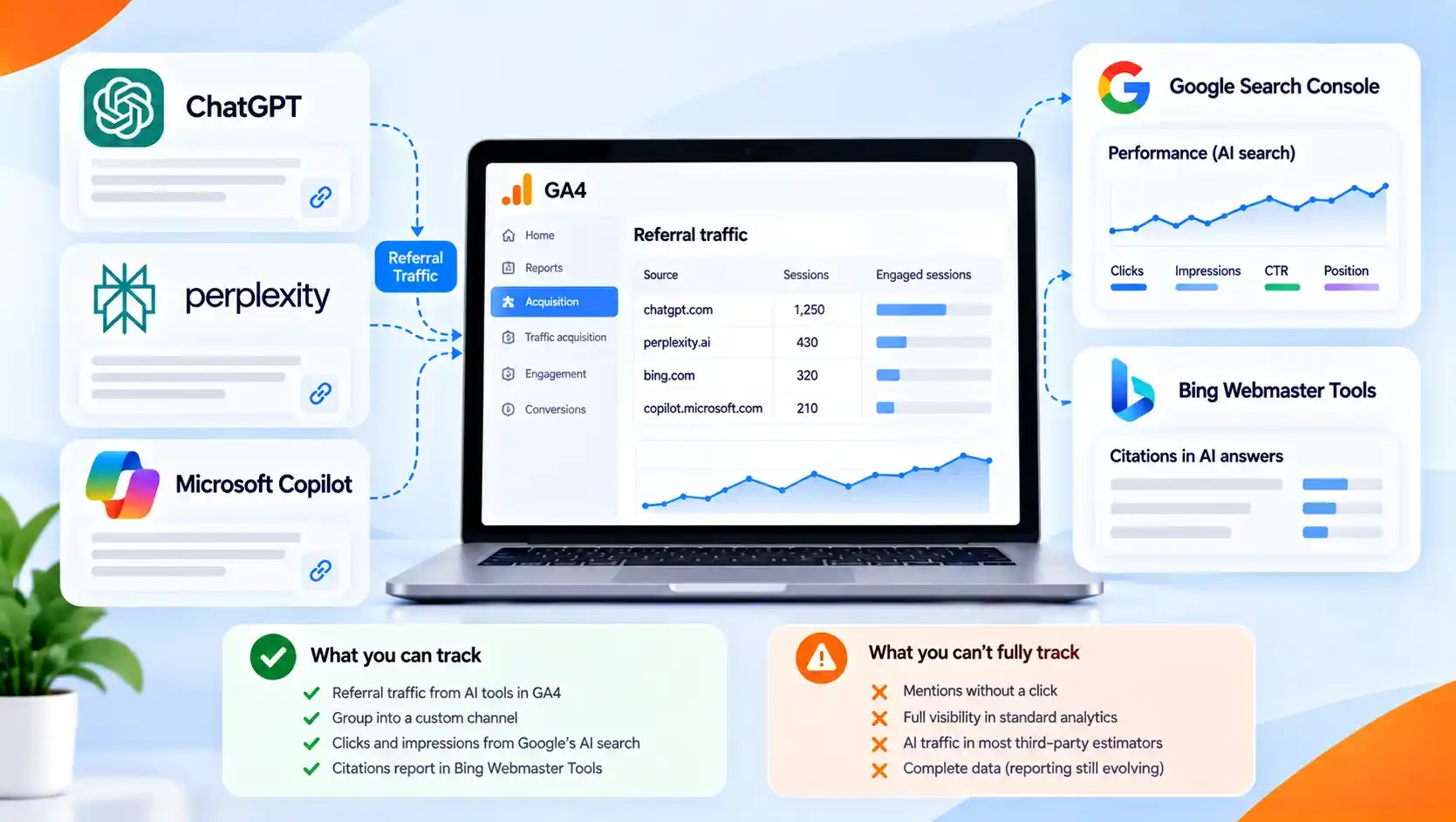
Partly. In GA4, you can look at referral traffic from domains such as chatgpt.com or perplexity.ai and group them into a custom channel. In search tools, Bing Webmaster Tools has added reporting on how often your pages are cited in AI-generated answers, and Google Search Console counts clicks and impressions from Google’s AI search features within its Performance data. Reporting in this area is changing quickly, so check what each tool currently offers.
There is still a gap. Some AI answers mention brands without sending a click, and standard analytics cannot see those mentions. Many third-party estimators are built on search and panel data, so they may not show AI traffic reliably.
Local Tips for Orange County Businesses
If you serve Irvine, Anaheim, Santa Ana, Newport Beach, or nearby cities, national totals can hide what matters, and a free website traffic checker is most useful when you read it through a local lens.
Use GA4’s location reports to see whether visitors come from cities you serve, and check Google Business Profile insights for calls, direction requests, and website clicks. For local service businesses, phone calls and forms are the real results, so track them alongside page views. Filter out internal visits from your team, and benchmark against local competitors rather than national brands.
Also mind privacy rules. If you use analytics, keep your privacy policy accurate, and ask your legal advisor whether your setup needs a consent notice under California privacy laws. This is not legal advice.
When Free Tools Are Not Enough
Free tools cover most beginner needs. You may need paid tools or expert help if you manage many locations or clients, need daily rank tracking, want detailed backlink and keyword research, or need reports that link traffic to leads and revenue.
The bigger issue is usually the setup, not the tool. Missing conversion tracking, duplicate tags, and no plan for what to measure are common. At Web Designer Orange County, we set up analytics, Search Console, and conversion tracking as part of every website project, so you have real data from launch day.
Frequently Asked Questions
For your own site, Google Analytics 4 with Google Search Console. For competitors, the free versions of SimilarWeb, Ahrefs, Semrush, or Ubersuggest. No single tool is best for every job, so match the tool to your question.
You can see estimates for many sites, but not exact numbers. Only the site owner can see real traffic.
No. External tools cannot see a competitor’s private analytics, so they estimate from panel data and models. Use two or three tools and trust the direction of a trend over any single figure.
Yes. Google Analytics shows visits and behavior, and Search Console shows Google search performance. Both work only for sites you own.
They measure different moments. Search Console reports Google Search activity before the visit, while GA4 reports what happens after the page loads, so clicks and sessions will not match exactly.
Monthly works for most small businesses. Check more often after a redesign, a campaign, or a ranking drop.
Yes. Search Console shows how people find you on Google, and Analytics shows what they do on your site.
You cannot raise rankings by simply adding visits. Focus on useful content, a fast site, and clear pages, and use traffic data to see what works.
The best free website traffic checker is the one that fits your question. Use Google Analytics 4 and Google Search Console for real data on your own site, add Bing Webmaster Tools and Google Business Profile insights for extra search and local coverage, and use a free competitor tool like SimilarWeb or Ahrefs for a rough benchmark. Treat estimates as direction, not fact, and track calls and form fills, not just visits.
If you want help setting up tracking that shows what your website really does for your business, [book a free site review / call us at +1 805-251-9534 .