What Is the Best Website Builder? A Practical Guide for Business Owners
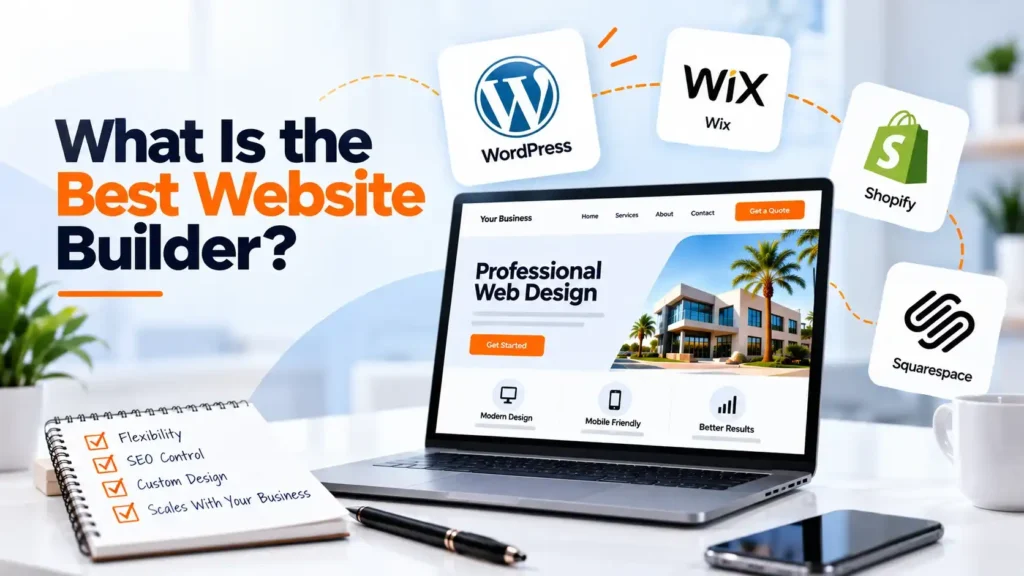
WordPress is our best choice for most business owners looking for a website builder. It gives you full control over your site’s design, its SEO, and how big it can grow, and you don’t pay a monthly fee for the core software itself. That said, WordPress isn’t the right fit for every business. If you need a simple site live today, or you plan to sell products online, another platform might serve you better. This guide compares the top website builders in plain language, so you can pick the right one for your budget, skill level, and goals.
What Is a Website Builder?
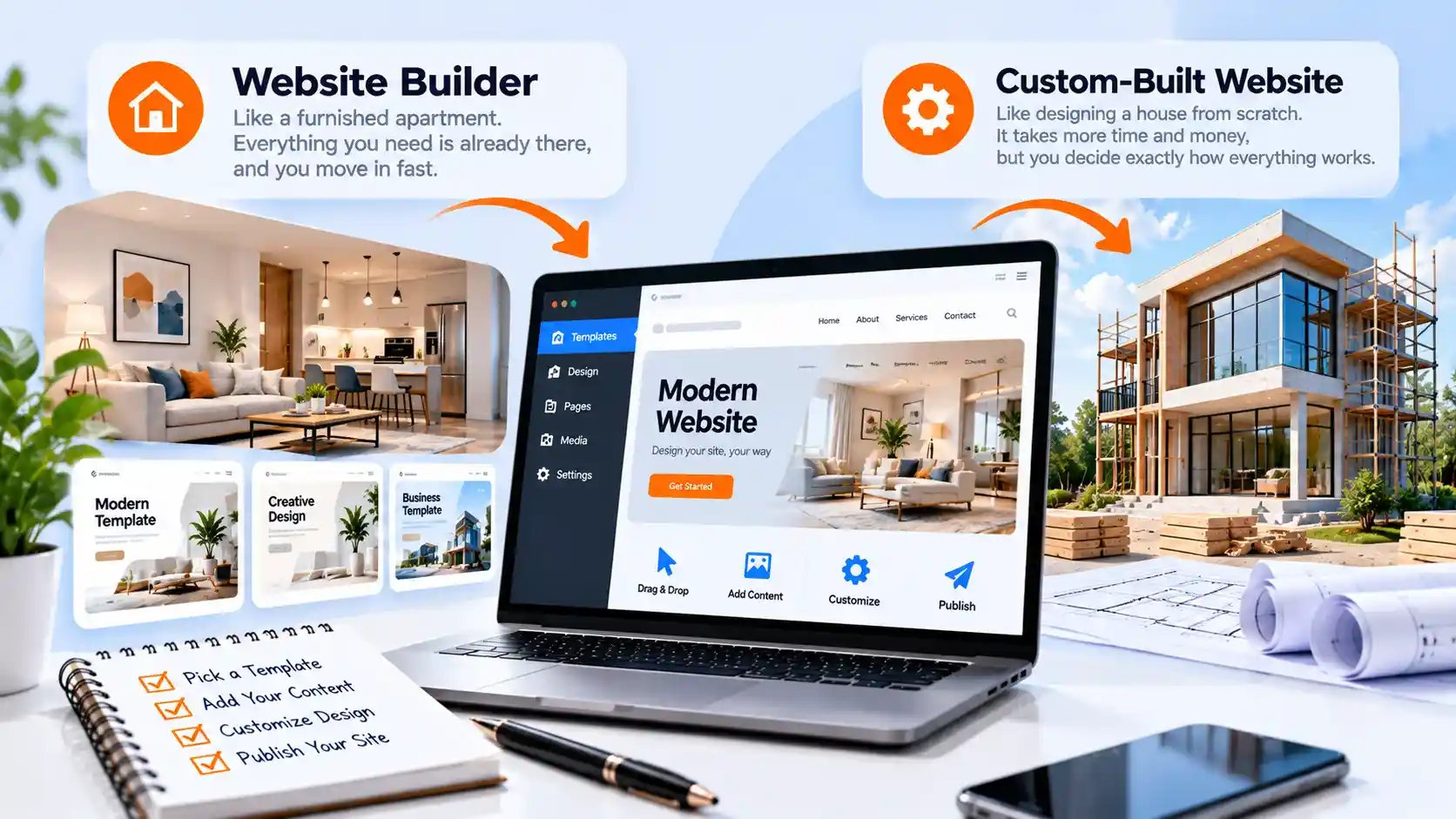
A website builder is a tool that lets you create a website without writing code. You pick a template, add your own text and photos, and publish the site.
Think of it like a furnished apartment. Everything you need is already there, and you move in fast. A custom-built website is more like designing a house from scratch. It takes more time and money, but you decide exactly how everything works.
What Is the Best Website Builder?
WordPress is our best choice for most business owners. It powers more websites than any other platform, gives you the most control over SEO, and doesn’t lock you into one company’s pricing or rules.
The right pick still depends on your business. If you’re selling products, need something live today, or want a simple visual site, another platform may fit you better. The next section breaks this down by what your business actually needs.
How Do You Choose the Best Website Builder for Your Business?
Ask yourself four questions. What’s your monthly budget? How comfortable are you making changes to your own website? Do you need to sell products online? How big do you expect this site to get over the next two or three years?
Your answers point to a different builder almost every time.
| If your business needs... | Best fit | Starting cost | Why |
|---|---|---|---|
| A simple site live today, on a small budget | Wix | $17/month | Easiest and fastest setup. No design or coding skill needed. |
| A visual, design-led brand like a studio or portfolio | Squarespace | $16/month | Strong built-in templates made for creative and service brands. |
| To sell products online | Shopify | $29/month (or $5/month to start) | Built specifically for checkout, inventory, and payments. |
| Regular blog content and long-term SEO growth | WordPress | Free software. Hosting costs extra. | The most SEO control. No limit on how much you can publish. |
Wix, Squarespace, and Shopify each charge one monthly fee that includes hosting and support. WordPress software itself is free, but you still pay for hosting and setup, either on your own or with help from a developer. That upfront cost buys you more room to grow later.
Why Is WordPress the Best SEO Website Builder?
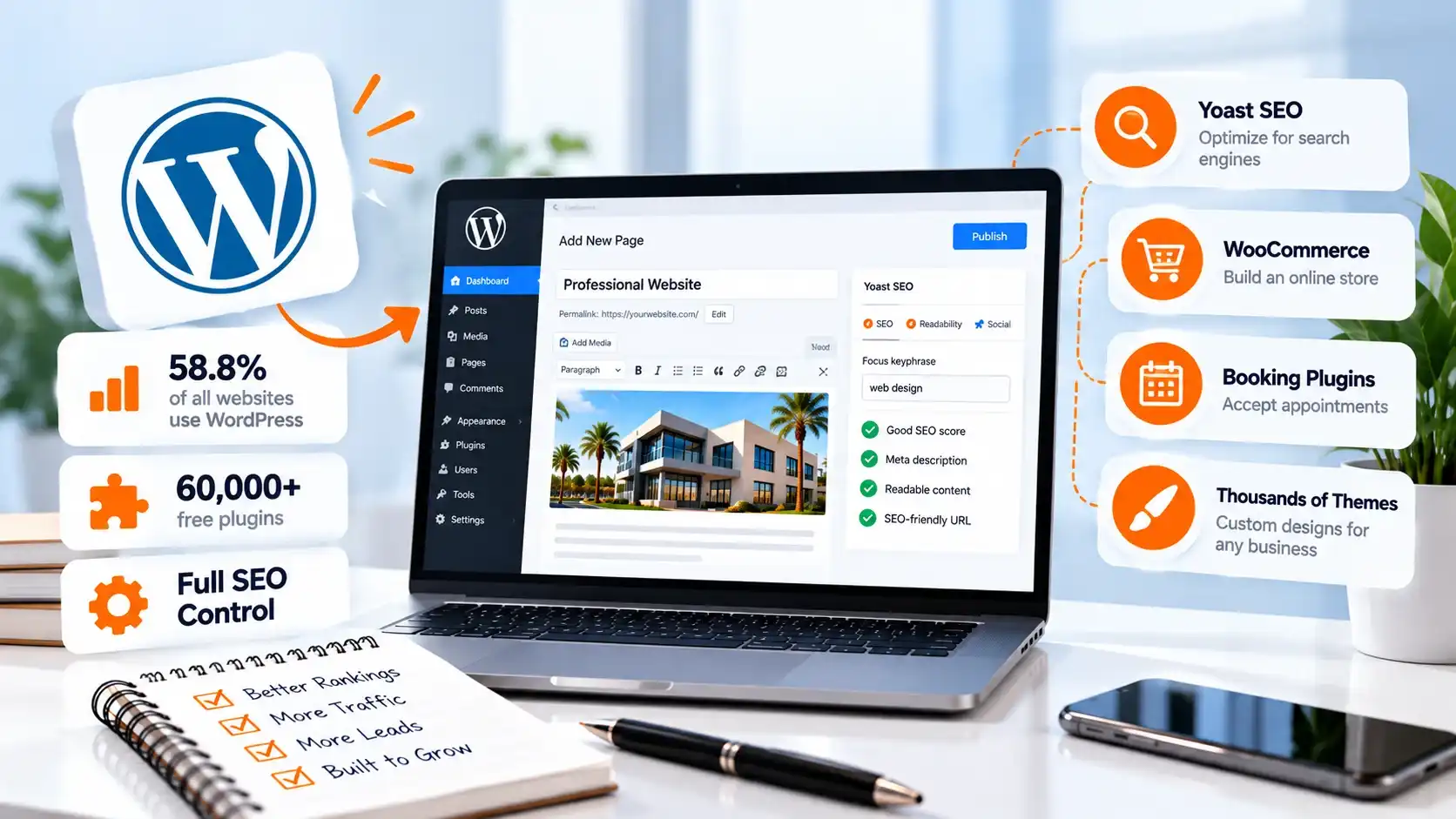
WordPress is often called the best SEO website builder, and the numbers back that up. It now powers 58.8% of all websites with a known content management system, more than every other platform on this list put together.
WordPress isn’t a hosted builder like Wix. You or a developer choose the hosting, then build the site using themes and add-on tools called plugins. There are more than 60,000 free plugins alone, covering everything from SEO to online stores to appointment booking.
The tradeoff is that WordPress doesn’t come with built-in hosting or a support line the way Wix and Squarespace do. Security updates and backups become your job, or your developer’s job. This is also why most professional web design services are built on WordPress in the first place. Once a business outgrows a template, WordPress is usually where it lands next.
Is Wix the Best and Easiest Website Builder to Start With?
Wix is widely seen as the best and easiest website builder for beginners. Most people can publish a working site in a single afternoon using a simple drag-and-drop editor.
Plans run $17 to $159 a month, billed annually, with hosting, templates, and basic SEO tools included.
Wix works well for startups, personal brands, and simple service businesses. The tradeoffs show up later. Design gets harder to manage as the site grows, and moving away from Wix down the road usually means rebuilding the site on a new platform instead of simply moving it over.
Why Choose Squarespace for a Visual, Design-First Brand?

Squarespace is known for design-forward templates, which makes it a strong pick for photographers, studios, restaurants, and other visually driven businesses. Plans start at $16 a month and go up to $99 a month for full online store features.
The templates give a polished, professional look with very little setup work, and the built-in blog tools are easy to use. The tradeoff is less freedom to customize outside the template structure, and fewer outside integrations than WordPress offers.
How Does Shopify Stand Out as the Best Ecommerce Website Builder?
Shopify is widely seen as the best ecommerce website builder because selling is the whole point of the platform. Inventory, checkout, shipping, and payments are built in from day one, not added on later.
Core plans run $29 to $399 a month, billed annually, with a $5-a-month Starter plan for businesses that only need to sell through social media and messaging links.
Shopify is a weaker choice as a general marketing site or blog. Its non-store pages and content tools are noticeably less developed than its store features.
How Much Does a Website Builder Actually Cost?
A DIY website builder usually runs $0 to $50 a month once you add a custom domain and any paid apps on top of the base plan. Hiring a freelance designer costs more upfront, typically $500 to $5,000. A small agency-built custom site usually runs $3,000 to $15,000 or more, depending on how complex the project is.
For context, our own WordPress packages run $550 to $1,350 a month. That price covers design, development, SEO, and ongoing support, not just a one-time build. It’s a different pricing model than a flat project fee, and it’s worth understanding before comparing quotes side by side.
When Does a Website Builder Stop Being Enough for Your Business?
A website builder starts to hold a business back once it needs page speed or SEO control the platform doesn’t offer, design or features outside the template system, or tools the builder’s app store simply doesn’t have. At that point, the monthly subscription isn’t the real cost. The leads and search rankings you’re missing are the real cost.
In practice, the signs tend to repeat. Organic traffic stays flat no matter what you change. You need custom booking or quote forms a template can’t handle. You manage more than one location or service area. Or the site is simply too slow on mobile and visitors leave before it loads. That’s usually the point where a website redesign onto a more flexible platform pays for itself.
Website Builder vs. Hiring a Web Designer: Which Is Right for You?
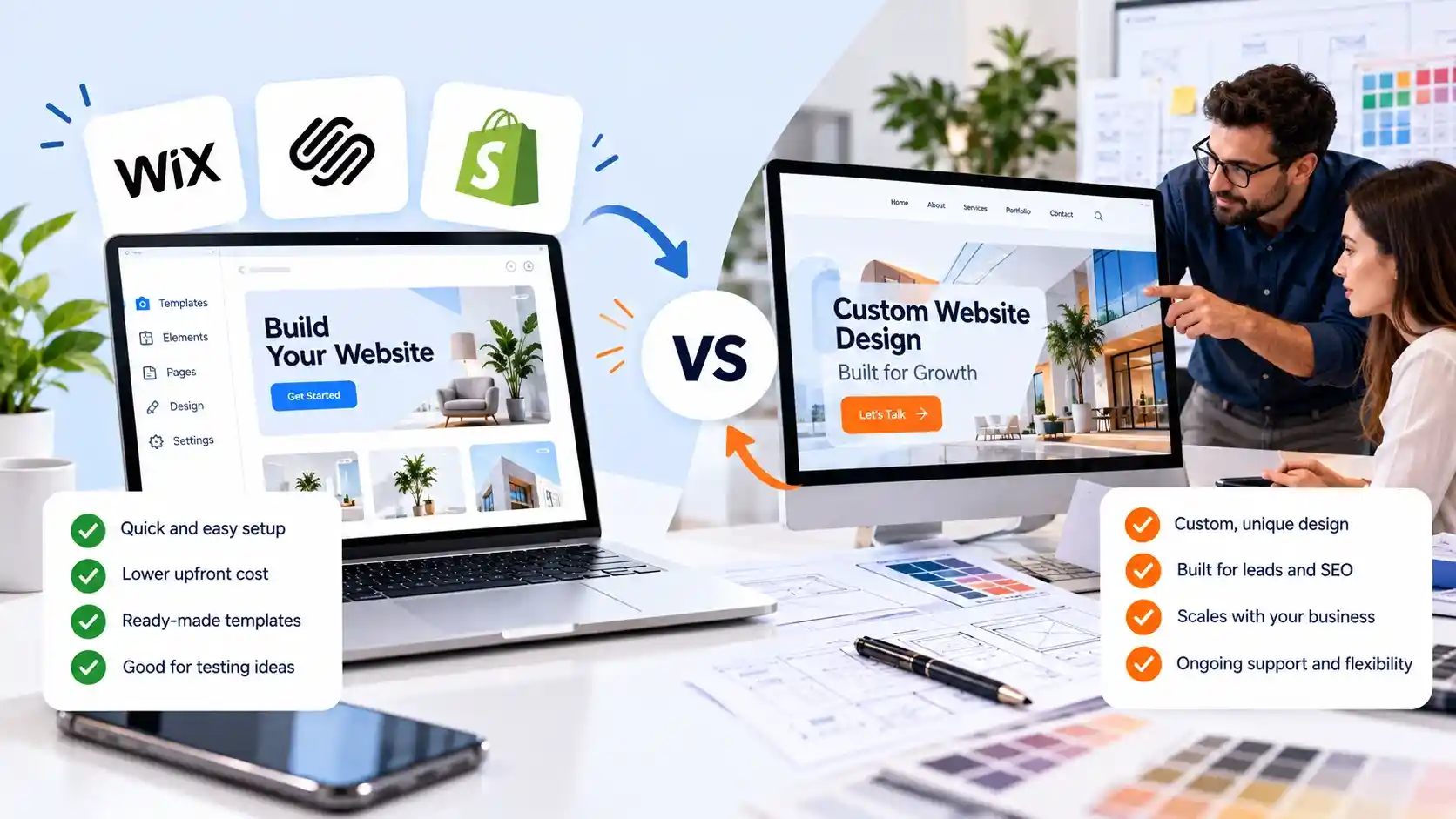
Stick with a website builder if you’re testing an idea, working with a tight budget, or need something live in days instead of weeks. Bring in a professional, whether a freelancer or an agency, once your website needs to actively bring in leads, rank in local search, or support a business that’s already growing.
There’s no wrong place to start. Many businesses launch on Wix or Squarespace, prove the idea works, then move to a custom-built site once the builder’s limits start costing more than a rebuild would. The real mistake is staying on a platform that quietly caps your growth long after you could afford to move past it.
Frequently Asked Questions
Wix’s Aria and Squarespace’s Blueprint AI are two of the most capable AI website builders right now. Both can generate a starting site from a short text description, though a person should still review the result before it goes live.
It depends on what the business needs. WordPress fits most small businesses that want long-term SEO growth, Wix fits a fast simple launch, and Shopify fits anyone selling products online.
Start with your budget, how comfortable you are making changes yourself, whether you sell products, and how big you expect the site to get. Those four answers point to the right platform almost every time.
WordPress gives you the most SEO control because you control the code and the site structure directly. Wix, Squarespace, and Shopify all support basic SEO, but none match WordPress once a site has real competition to outrank.
Technically yes, but most builders don’t offer a clean export. Switching usually means rebuilding the site from scratch on the new platform, which is worth knowing before you commit.
Yes. That’s the entire point of a website builder, and templates handle most of the layout work for you. You’ll still want to learn the basics of SEO and writing good copy, since a template alone won’t make a site perform.
Not on their own. Modern builders all support the SEO basics. Where they tend to fall short is site speed and structural flexibility once a site grows past a handful of pages.